
Login to the Kinetic Panel.
Stop the server.

Go to settings.
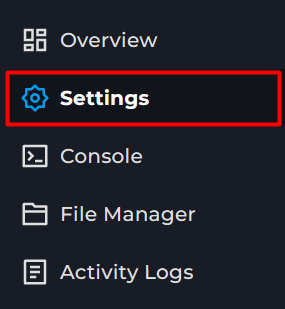
Locate the Gamemode box.
Select Custom.
Insert a new save slot number.
Open File Manager
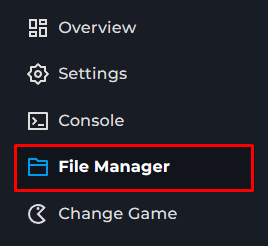
Go to ServerConfig > dedicatedserver.cfg
You can now change the settings under CustomGameModeSettings
Save the file
Start the server

Sons of the Forest guide
How to use Custom Gamemode on Sons of the Forest Server
Will cover how to set up a custom gamemode on your server, So you may change the difficulty, Health and other settings