
In this guide
How to upload your world to your Smalland Survive The Wilds server
Login to your Kinetic Panel
Stop your server.
-1767383729764.png)
Go to File Manager.
-1770486606909.png)
In the file manager, go to the following file directory:
SMALLLAND/Saved/SaveGames/Worlds.
In there, you'll see your current world file. This can be deleted, so that you may upload your own world file to replace it.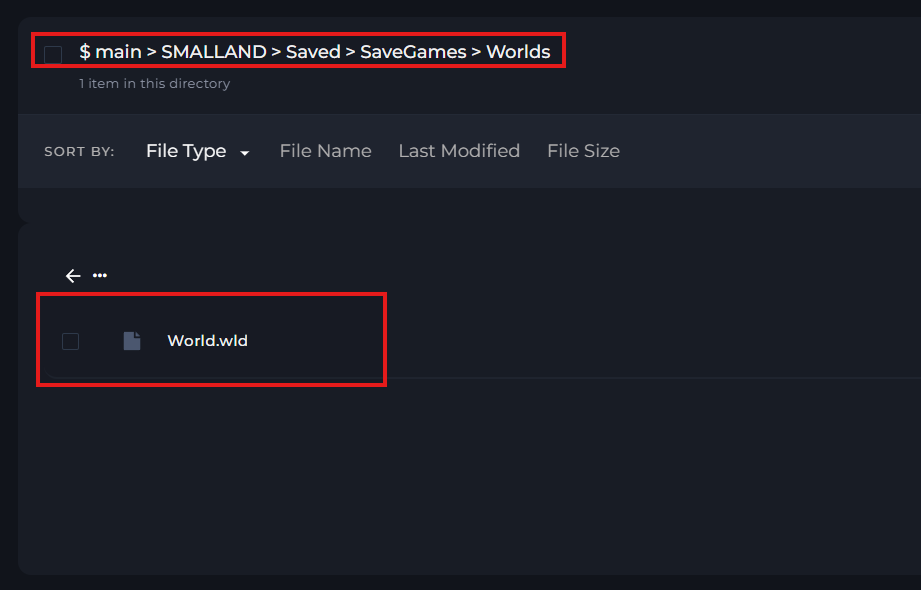
Once you've uploaded your world file, you can start your server.
-1767462125511.png)