
In this guide
How to Transfer Files From Your Old Host to Your Kinetic Server
While there are a few ways on how to transfer files from your old host to your Kinetic server, we personally recommend that use SFTP to do this, since it's reliable, and simple. And in some cases, faster than downloading and uploading files manually.
First, you will need to download the Kinetic SFTP software onto your computer. To download it, click Here.
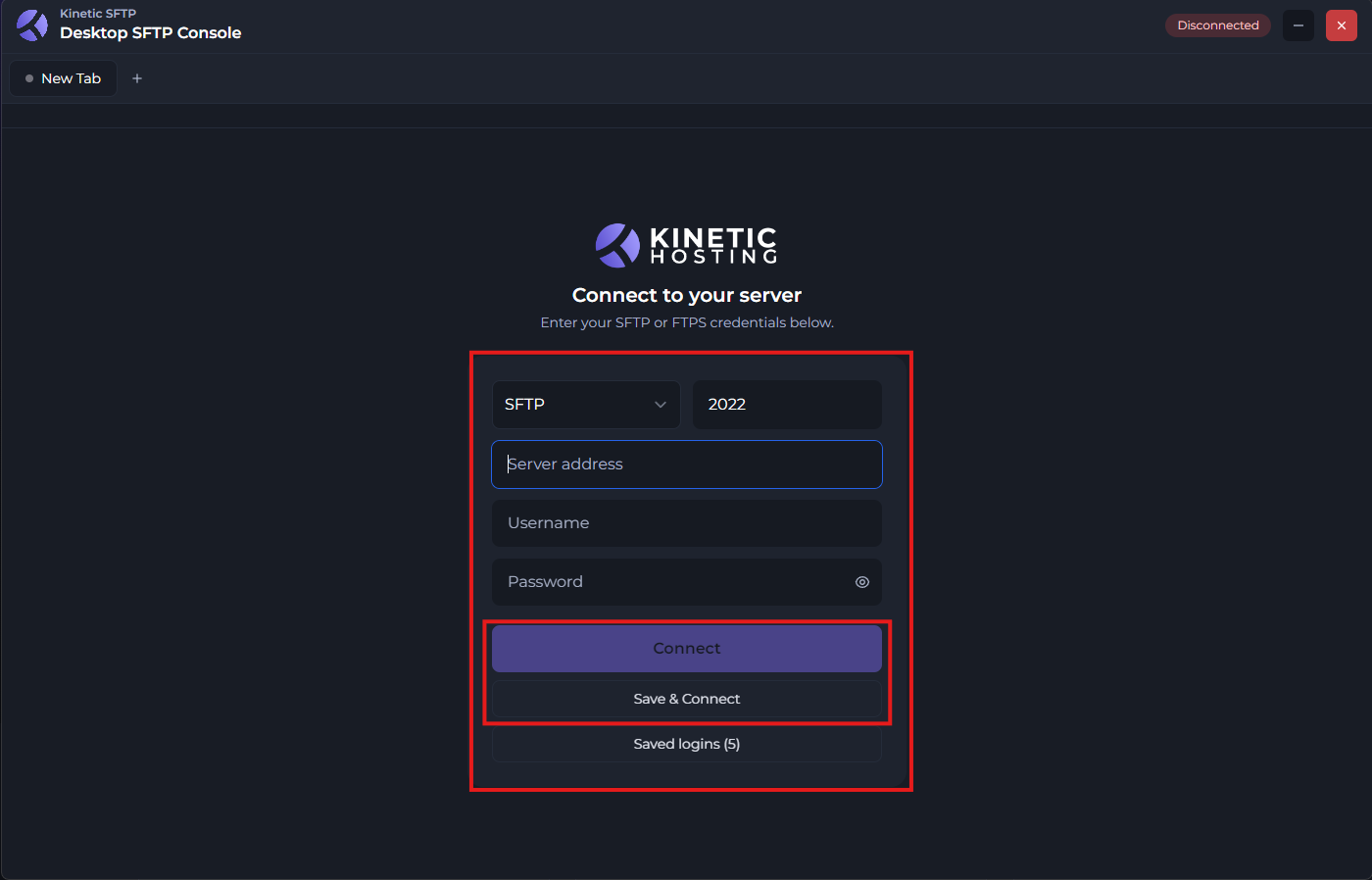
Now that you have the software on your computer, install it, and then open it. You will be met with this screen, where you will need to input your SFTP information.
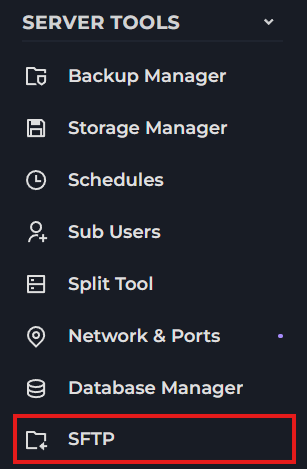
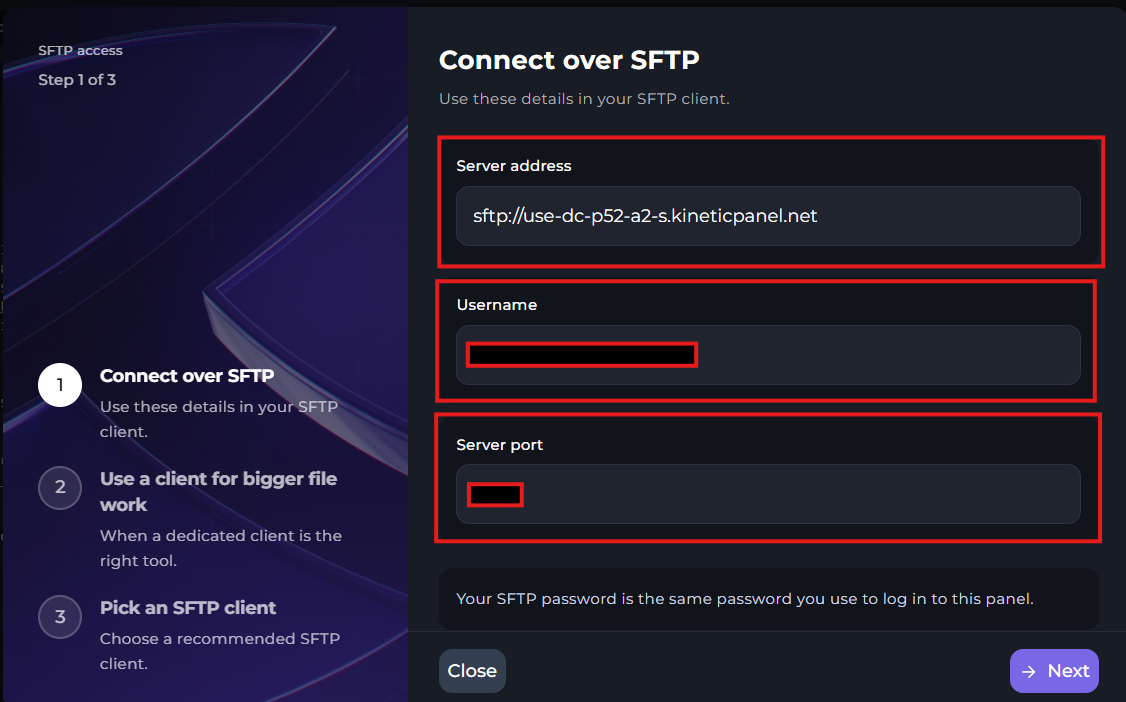
To find your SFTP information on your server, you will need to go to "SFTP", Then, you will find your SFTP information. The password will be the same password you use to log into your game panel.
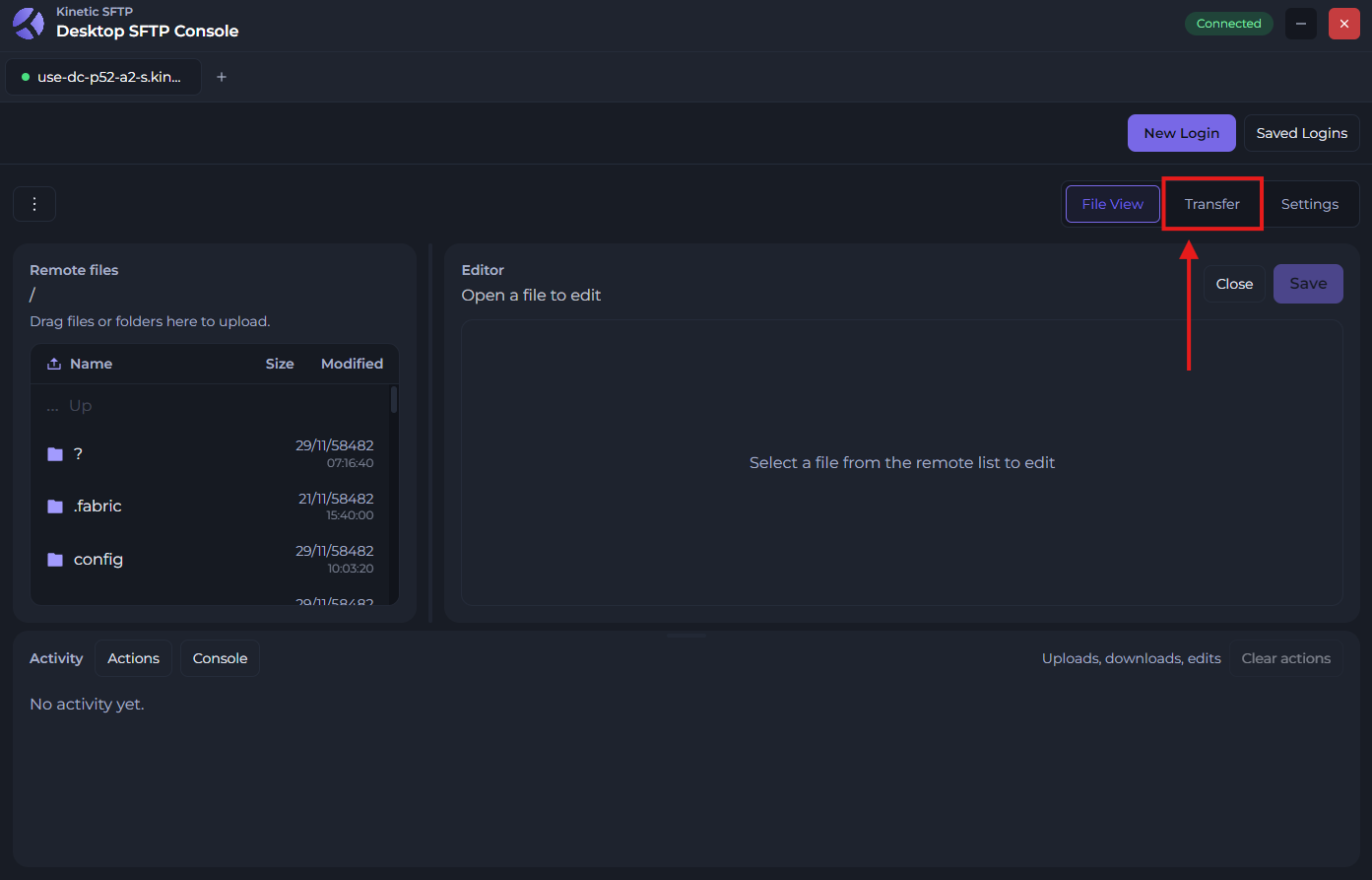
Once you have your details, input them into your SFTP software. Then, you'll be met with this menu. You will want to click the "Transfer" button.
Now, you'll be met with the transfer menu. On the left side, you will need to input the SFTP details of your other server.
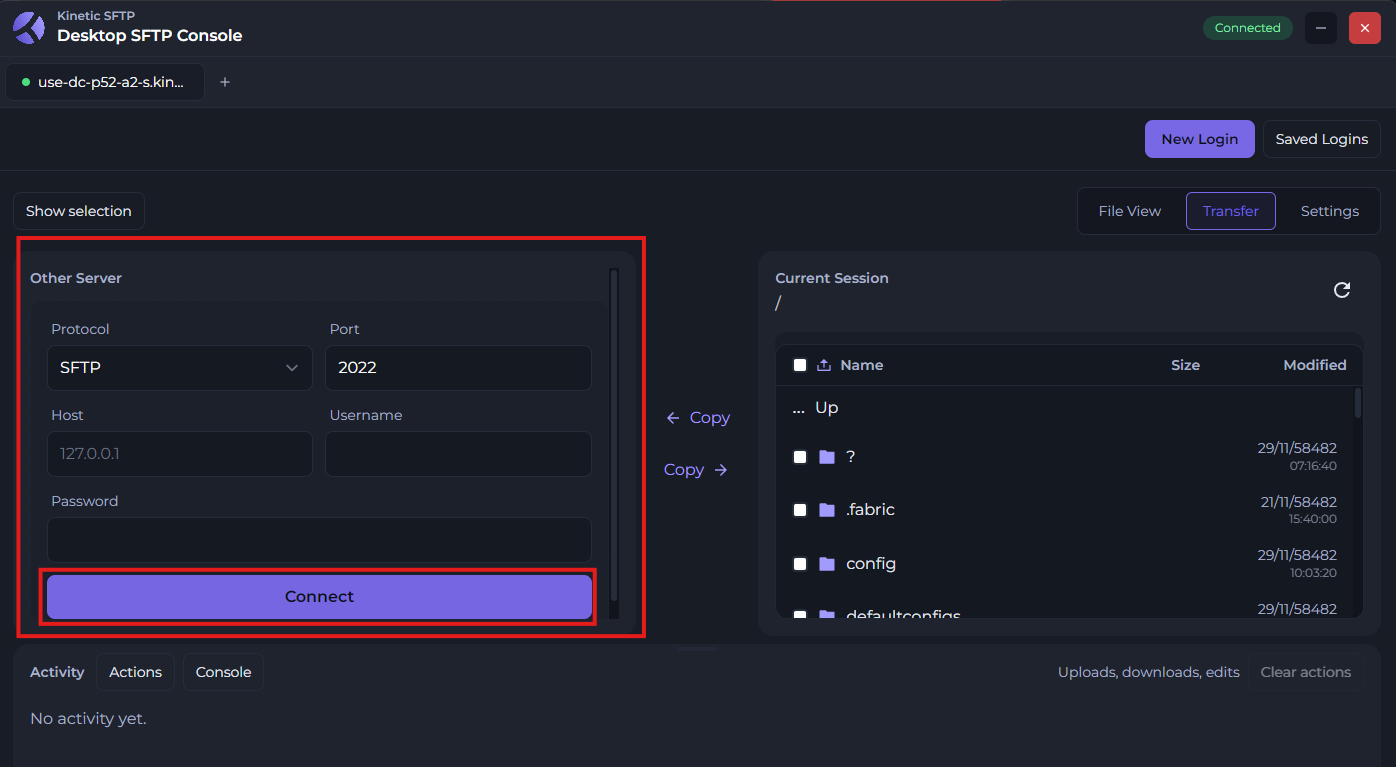
After you've connected your other server, select all the files from your old server by clicking the box at the top left of the left file manager, and click "Copy" with the arrow pointing to the right.
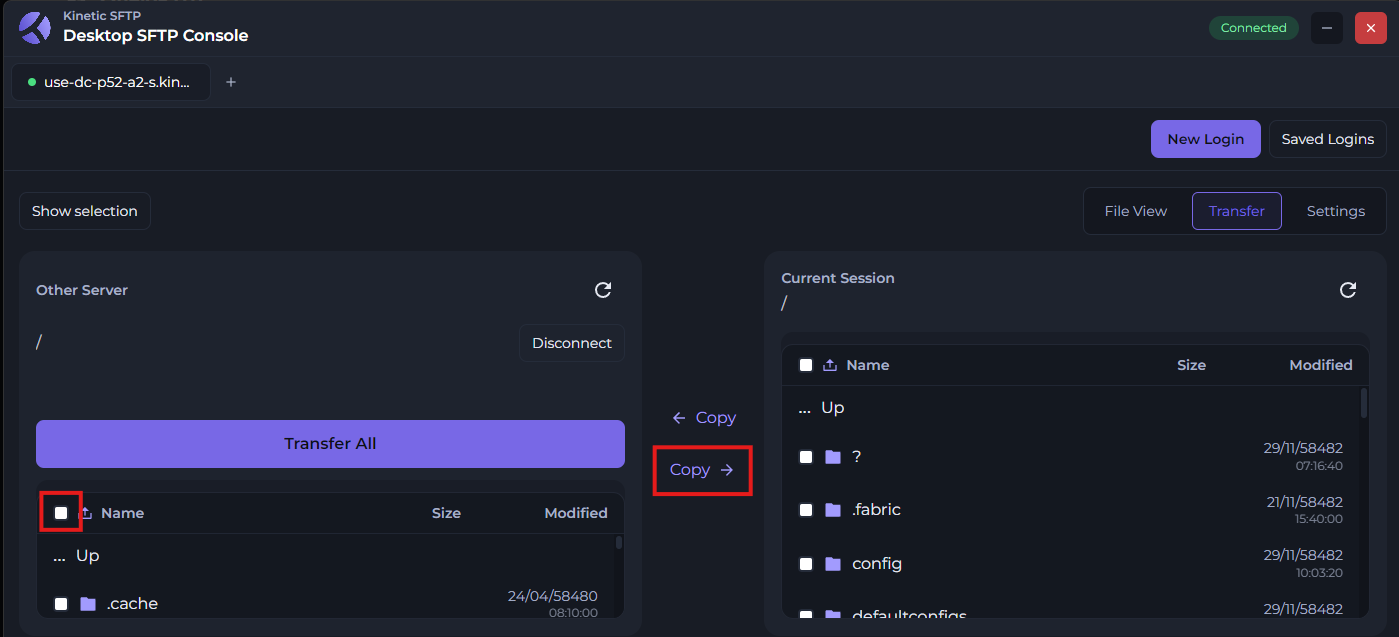
Once you do that, the files will being uploading. Where you can see a progress bar at the bottom of the application.
Keep in mind, transfers are not instant, they do sometimes take a bit of time. So it's best to sit back, relax, and let the SFTP do it's thing!