How to add admins to your Schedule 1 Server
Last updated 18 May 2026
Need a game server?
Spin one up fast with our feature-rich panel and seriously low prices.
How to add admins to your Schedule 1 Server
Login to your Kinetic Panel
Stop your server.
-1767383729764.png)
Go to File Manager.
-1770486606909.png)
In File Manager, go to the following file directory:
User Data / permissions.toml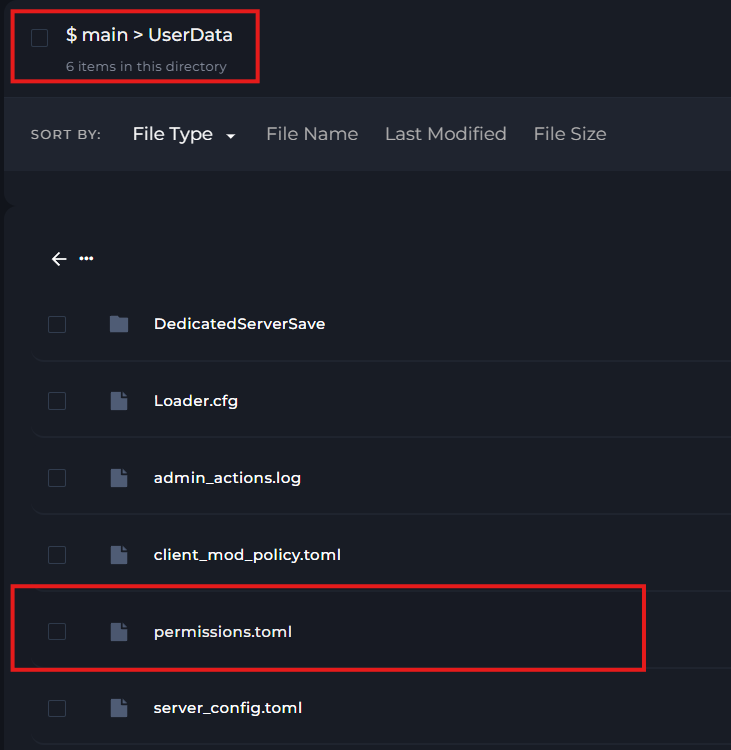
In that file, you will need to scroll down to the bottom on the document. And input the following:
If you need to find your steam64 ID, please follow this guide.
[user.(Your steam64 ID]
groups = ['operator']
allow = ['console.command.cleartrash','console.open','console.command.*']
deny = []