
In this guide
Rust server tags are how people can sort for servers, this is helpful when people are looking for servers with a specific wipe period, location and much more.
1 Login to the Kinetic Panel
2 Head to the file manager.
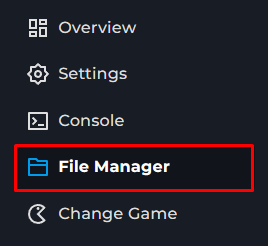
3 Click on the Server folder.

4 Now, open the Rust folder.

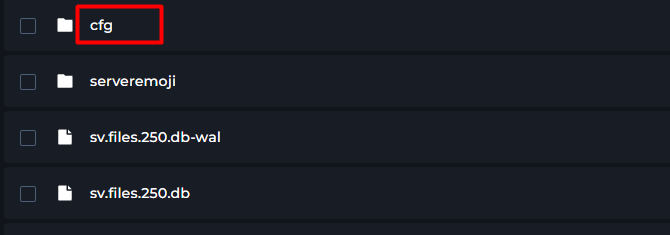
5 Open the cfg folder.
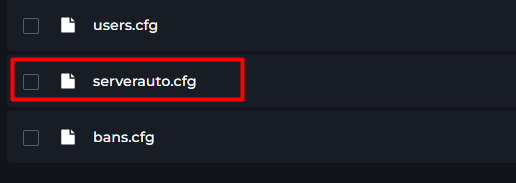
6 Now, open the serverauto.cfg file.
7 Navigate the configuration files until you find "server.tags"
8 From there, you can put any information you would like in the "".

What you can put for tags
These are what can be put into the server.tags category. Keep in mind that you can only use one tag per group, otherwise it cause issues when people are looking for server & it may not display
If your tags are not working, make sure you use the 'Value'.
Value | Tag Displayed | Group |
|---|---|---|
monthly | Monthly | Wipe Schedule |
biweekly | Biweekly | Wipe Schedule |
weekly | Weekly | Wipe Schedule |
vanilla | Vanilla | Difficulty |
hardcore | Hardcore | Difficulty |
softcore | Softcore | Difficulty |
pve | PvE | |
roleplay | Roleplay | |
creative | Creative | |
minigame | Minigame | |
training | Training | |
battlefield | Battlefield | |
broyale | Battle Royale | |
builds | Build Server | |
NA | North America | Region |
SA | South America | Region |
EU | Europe | Region |
WA | West Asia | Region |
EA | West Asia | Region |
OC | Oceania | Region |
AF | Africa | Region |