How to set your Rust Servers MOTD
Last updated 08 Jun 2025
Need a game server?
Spin one up fast with our feature-rich panel and seriously low prices.
The MOTD is what you will first in chat when connectiong to your server, this can be used to give your players some information about the server when they connect.
1 Login to the Kinetic Panel
2 Head to the file manager.

3 Click on the Server folder.

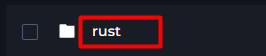
4 Now, open the Rust folder.
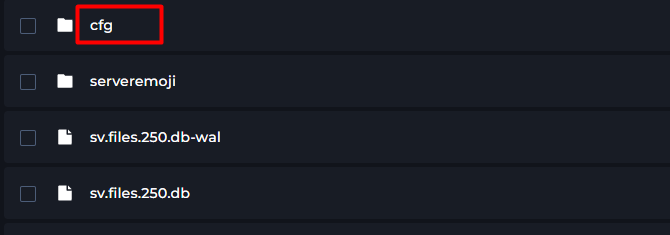
5 Open the cfg folder.
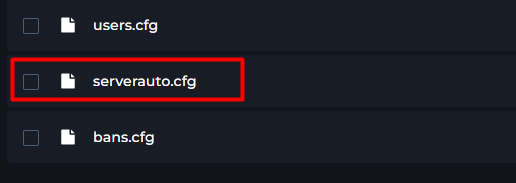
6 Now, open the serverauto.cfg file.
7 Navigate the configuration files until you find "server.motd"
8 Within this, you will enter the information you would like displayed between the "".

9 From there, you can start your rust server.