How to set your Rust Servers Description
Last updated 08 Jun 2025
Need a game server?
Spin one up fast with our feature-rich panel and seriously low prices.
A Rust Server description is apart of the preview before joining the rust server. With this, you can add the server rules and some basic information about your rust server.
1 Login to the Kinetic Panel
2 Head to the file manager.

3 Click on the Server folder.

4 Now, open the Rust folder.

5 Open the cfg folder.
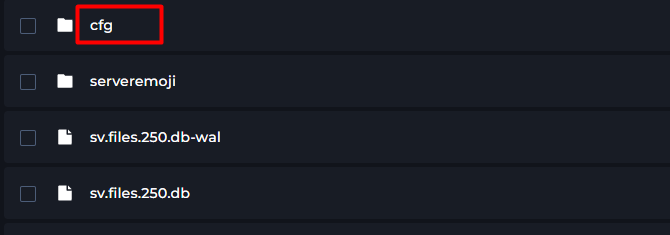
6 Now, open the serverauto.cfg file.
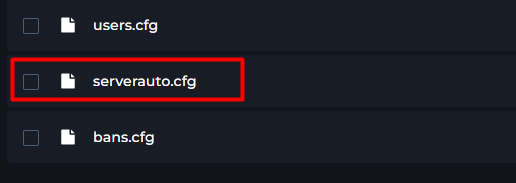
6 Now, you can put this anywhere within the Configuration file. If it's not there already type in "server.description """

7 You will now, put something within the "", this will be how the description is displayed.

9 From there, you can save the file and start your server.