How to set your Query Port for your Rust server
Last updated 08 Jun 2025
Need a game server?
Spin one up fast with our feature-rich panel and seriously low prices.
A query port is how the game can connect with steam to allow it to show up in the public list.
1 Login to the Kinetic Panel
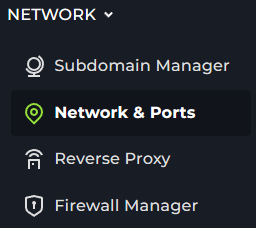
2 Head to the Network & Ports tab on the left hand side.
3 Click on the "Open Port" button.

4 Now, copy that port you opened & give a note of "Query Port" so you can remember what it is.

5 Head to the settings page & paste that port in the "Query Port" box, then start your server.

6 Now, when adding your server on Steam, put ConnectionAddress:QueryPort. Then, when the server is online, it should show up there.

That is how you set your query port on your rust server.