How to set seed on a Rust server
Last updated 08 Jun 2025
Need a game server?
Spin one up fast with our feature-rich panel and seriously low prices.
If you would like to set a custom world seed for a Procedural Map. on a Rust Server, you can follow this guide to set one.
Setting the Seed.
1 Login to the Kinetic Panel
2 Stop your server.
3 Head to the Settings Page.
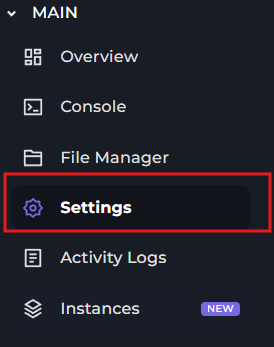
4 You will look for the World Seed box & place your Seed inside of it.

Make sure the seed is up to date with your server & game version. Otherwise, it may not work, you will also want the map world size as well.
5 You can now start your Rust Server with the Seed being set.
How to wipe your world file.
When you are setting a new Rust Seed, you will need to wipe the Rust Map file, this portion of the guide will also show you how to do so.
1 Login to the Kinetic Panel
2 Stop your server.
3 Head to the File Manager
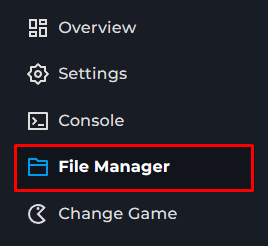
4 Go into the server > rust folder.

5 You will now look for "proceduralmap" files.

6 Delete these files from your server, you should be able to start your server with the custom seed.