How to join your RuneScape Dragonwilds server
Last updated 31 Mar 2026
Need a game server?
Spin one up fast with our feature-rich panel and seriously low prices.
This guide will assume you have completed setting the owner id of your server. Do note that the server name & world can not be changed past 1st boot without wiping the server.
Login to the Kinetic Panel.
Open the settings page.
-1770486781191.png)
Locate World Name.
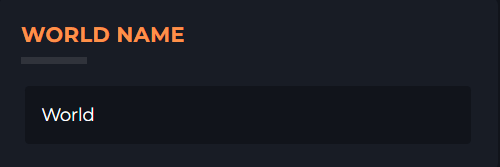
Copy the value
Open the game.
Click play.
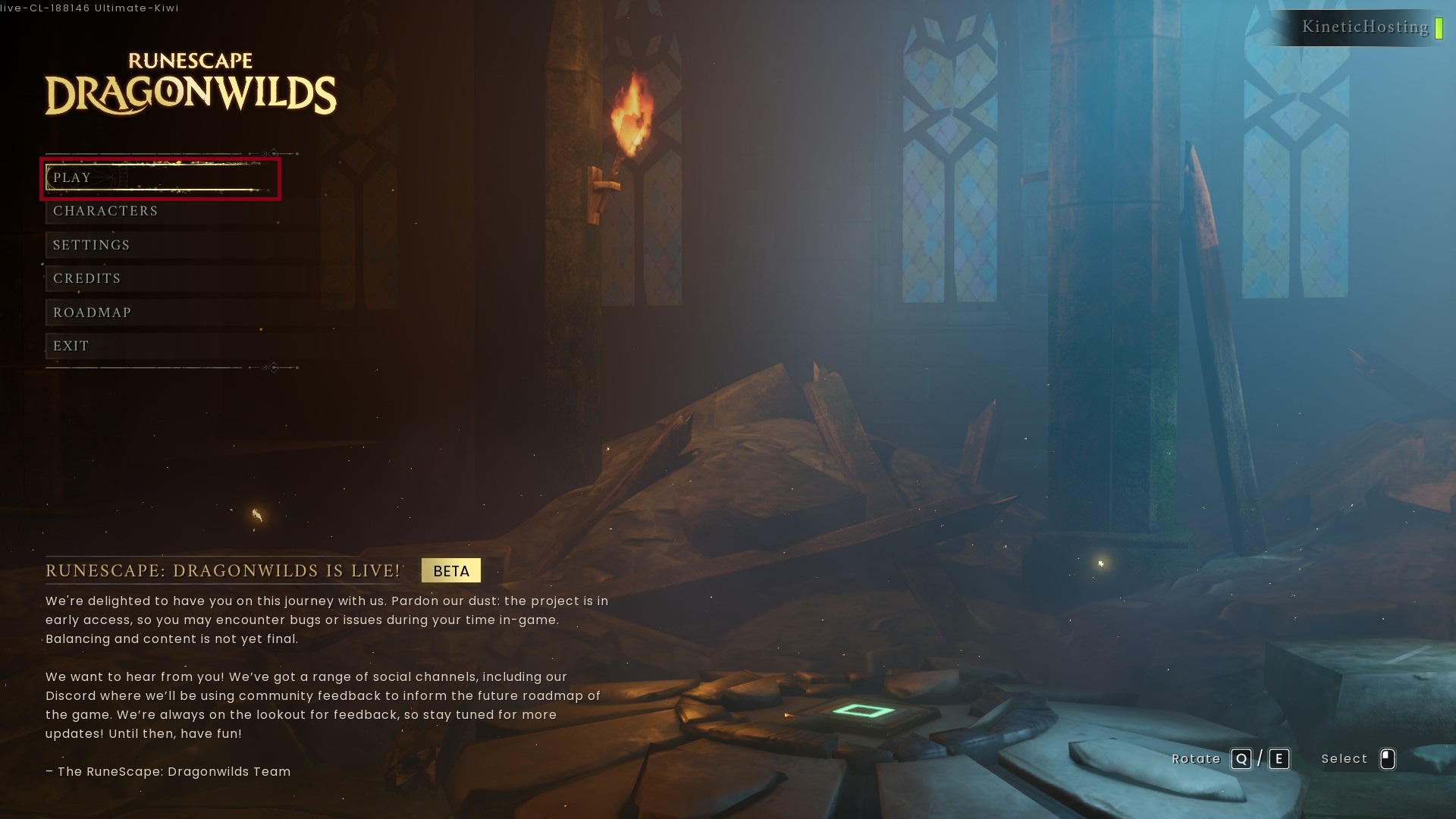
Click public.
Enter the name into the search box.
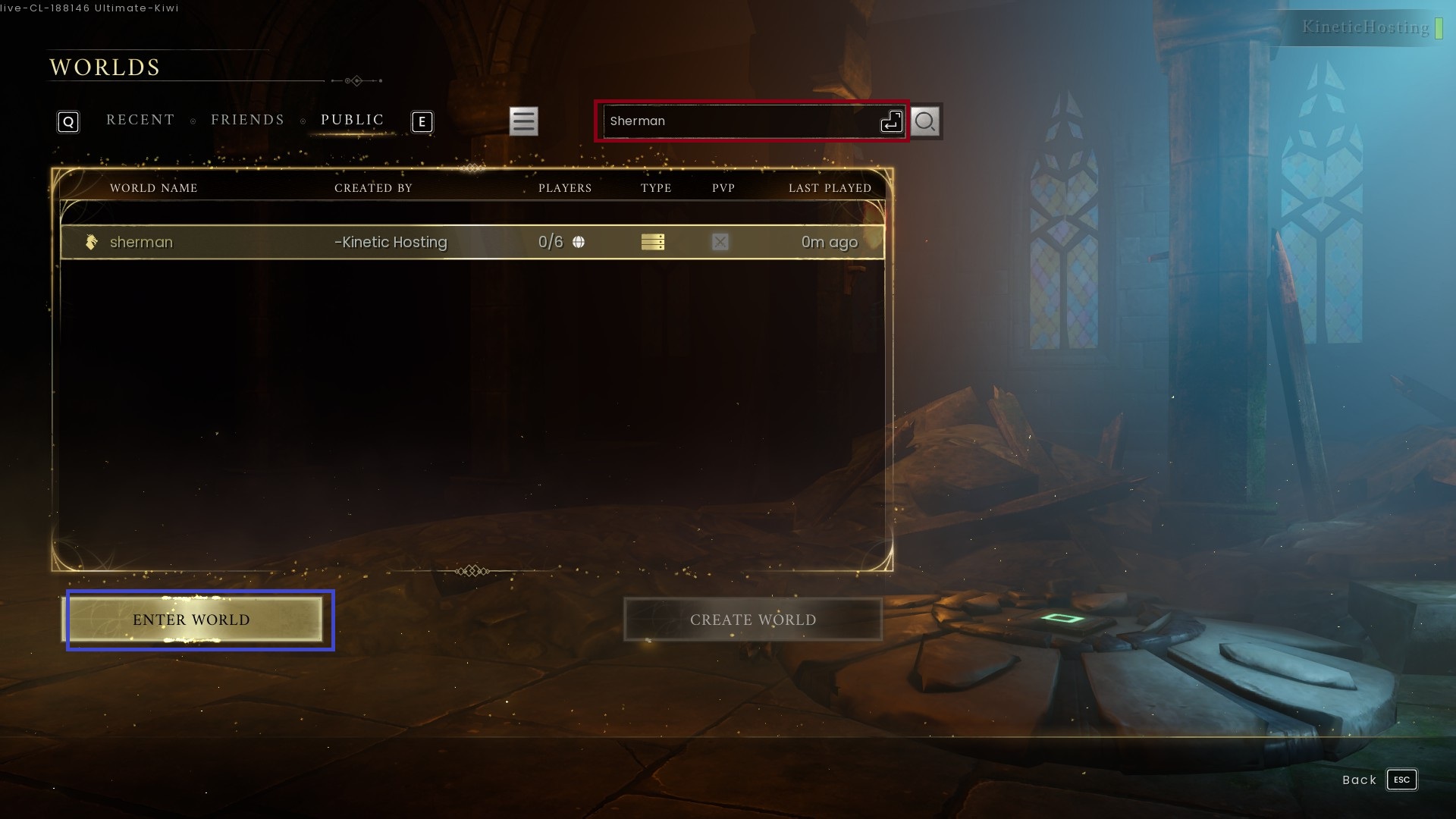
Click to join the world.