In this guide
How to join your Romestead server
Login to your Kinetic Panel
Go to Settings, then server details, and copy your numerical IP. You will need this for later.
The last 5 digits of the numerical IP is your port. (E.g. 25565)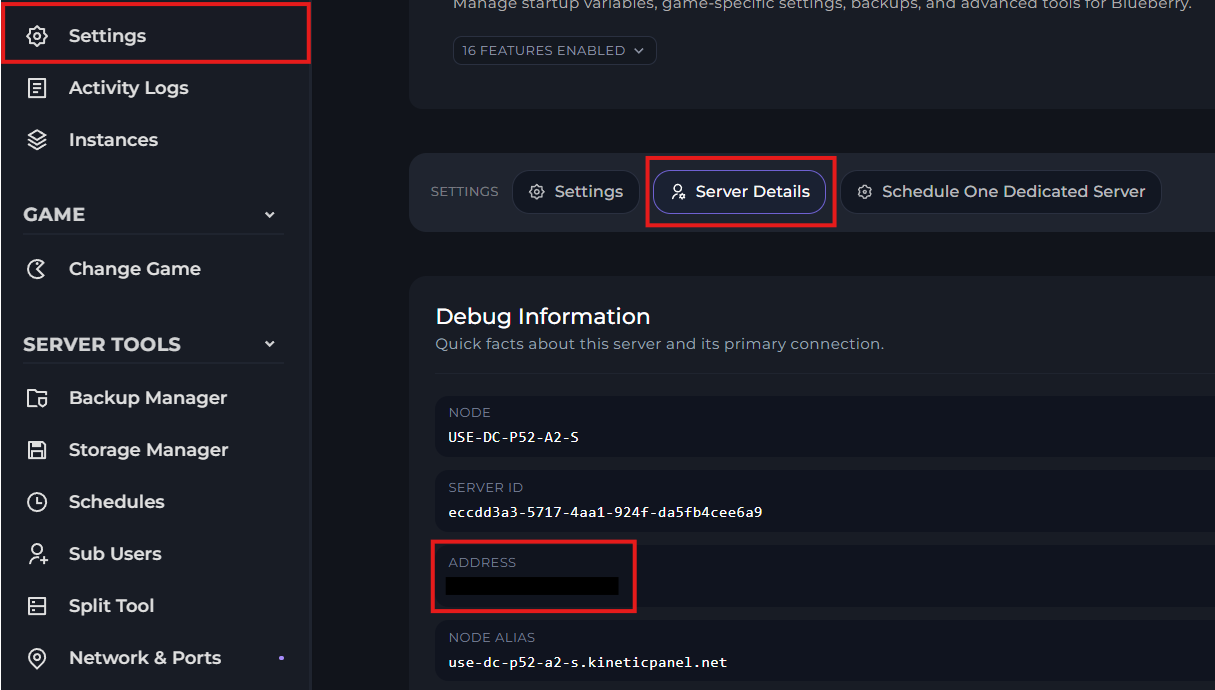
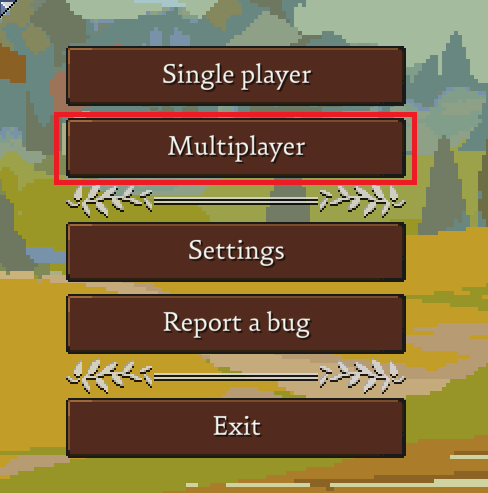
Open Romestead on your computer, and click "Multiplayer"
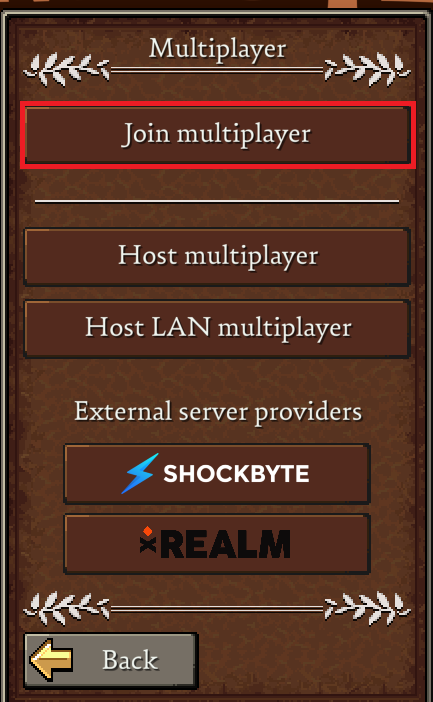
Then click "Join Multiplayer"
Then click your profile. If you don't have a profile, click "Create New"

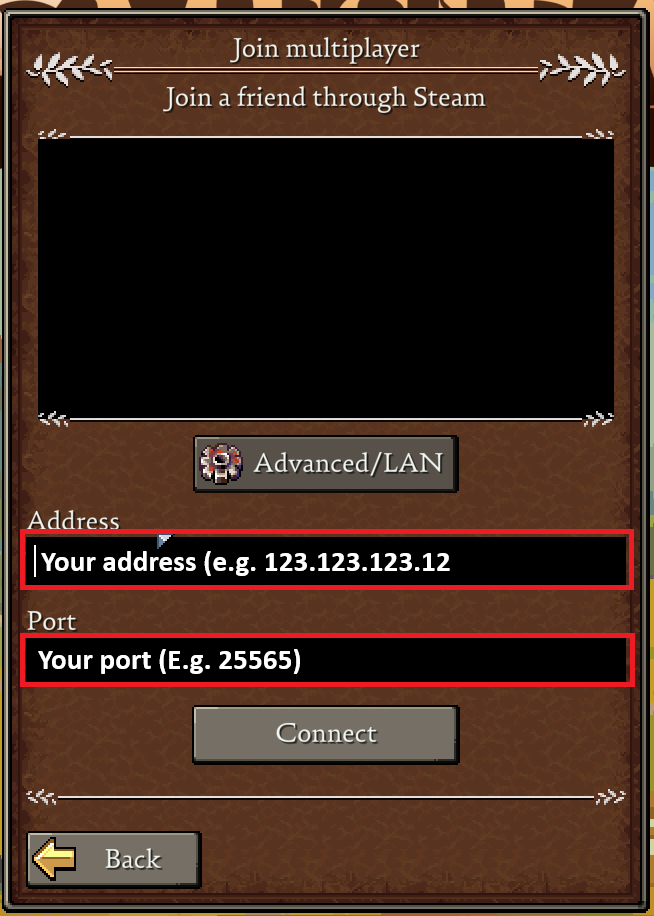
Then, in this menu, enter your address in the first box, and the port in the second box. Then click "Connect".