How to join a Project Zomboid Server
Last updated 08 Jun 2025
Need a game server?
Spin one up fast with our feature-rich panel and seriously low prices.
This guide will show you how to join your Kinetic Hosting Project Zomboid server.
Joining through Steam
1 Login to the Kinetic Panel.
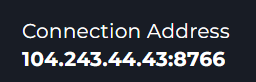
2 Head to the Overview page and & copy your connection address.
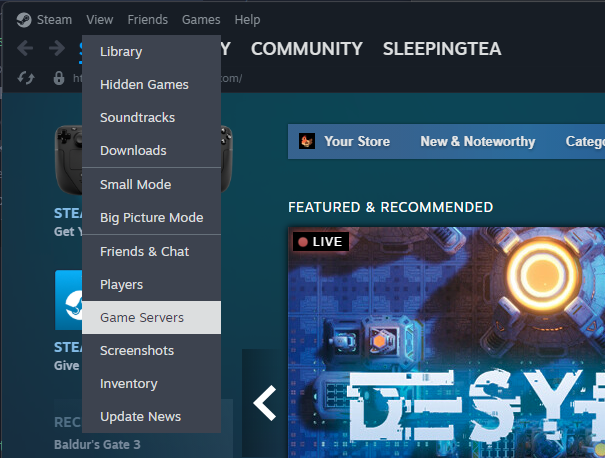
3 Now, open up steam and go to View > Game Servers
4 This will open a window, select favorites from the top bar.

5 Then press the plus button at the bottom of the window.

6 From there, the server browser should've refreshed & you can see your server there, all you need to do is Connect to it.

7 When you are at the connection screen, you can create your Project Zombie account there to join the server. Make sure to turn on the Use Steam Relay button, otherwise you may face connection issues.
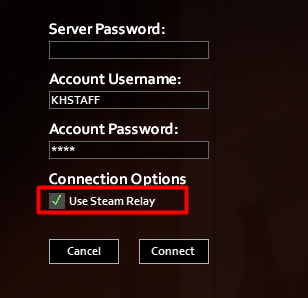
From there, you should be all set connecting to your Project Zomboid server.