How To Set A Palworld Server Password
Last updated 08 Jun 2025
Need a game server?
Spin one up fast with our feature-rich panel and seriously low prices.
1 Login to the Kinetic Panel
2 Head to the Settings page on the left hand side.
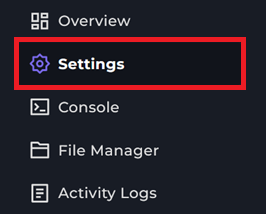
3 From there, you will see a "SERVER PASSWORD" category, you will type in your Custom password in that box.

4 Then restart your server & connect to your Palworld server, you will be promoted to enter a password.
success
All set! That is how your set a Password on a Palworld server.