How to upload your world to your Necesse Server
Last updated 24 Nov 2025
Need a game server?
Spin one up fast with our feature-rich panel and seriously low prices.
Log in to the Kinetic Panel.
Stop the server.

Open File Manager.

Open saves.
On your computer.Navgaite to C:\Users\<Username>\AppData\Roaming\Necesse\saves\worlds
Drag the zip into the saves folder.
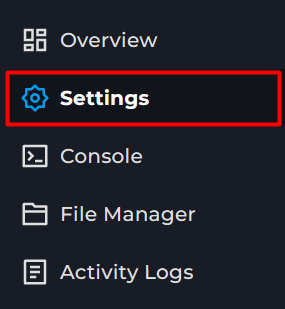
Open the Settings page.
Locate the Save Name Box.
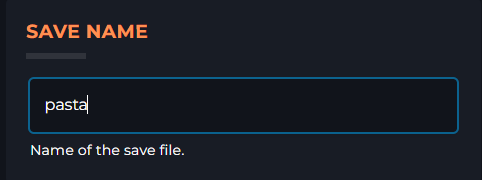
Enter the name of the uploaded world.
Start the server.