How to make your Necesse Server Private
Login to the Kinetic Panel.
Stop the server.

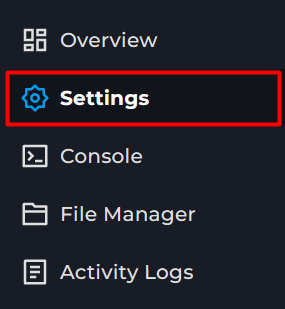
Open the Settings Page.
Locate the Server Password box.
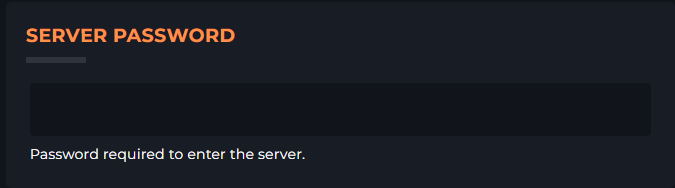
Enter a password.
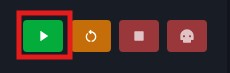
Start the server.
Login to the Kinetic Panel.
Stop the server.

Open the Settings Page.

Locate the Server Password box.

Enter a password.
Start the server.

Our goal at Kinetic is to offer genuinely helpful, human-powered support (no bots, no AI), combined with a feature-rich panel, powerful hardware, and prices that won’t break the bank.
Registered in England & Wales • Co. No. 11439987 • ICO No. ZA841955
Kinetic Hosting and the Kinetic Hosting logo are trademarks of Dapper Fox Group LTD. All other trademarks are the property of their respective owners.
Designed and Developed in House