How To Install WorldEdit On A Minecraft Server
Last updated 07 Jun 2025
Need a game server?
Spin one up fast with our feature-rich panel and seriously low prices.
Installing WorldEdit on your Server
Download WorlEdit for Bukkit / Spigot.
Download WorldEdit for Modded Servers.
1 Login to the Kinetic Panel and stop the server.
2 Navigate to the File Manager.

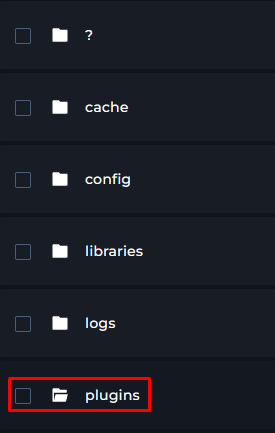
3 Drag and drop the WorldEdit Jar that you downloaded into the Plugins Folder.
4 You can now start your server & Worldedit should be installed!