How To Install Minecraft Server Plugins
Last updated 07 Dec 2025
Need a game server?
Spin one up fast with our feature-rich panel and seriously low prices.
Plugins are essential for when it comes to building public servers, Plugins work for Spigot,Bukkit and Paper. You can find many different websites that offer you to download plugins, you can find some below this message.
Site 1: Curseforge
Site 2: Bukkit
Site 3: Spigot
Using the Plugin Installer
1 Login to the Kinetic Panel and stop the server.
2 Within the Installers category, go to the Plugin Installer.
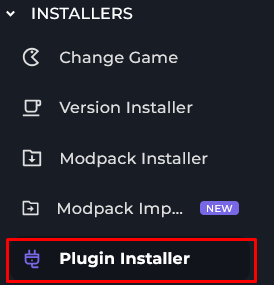
3 You should now see the page of the Plugin Installer, from there you can Search for a Plugin if you would like, or go down the list.
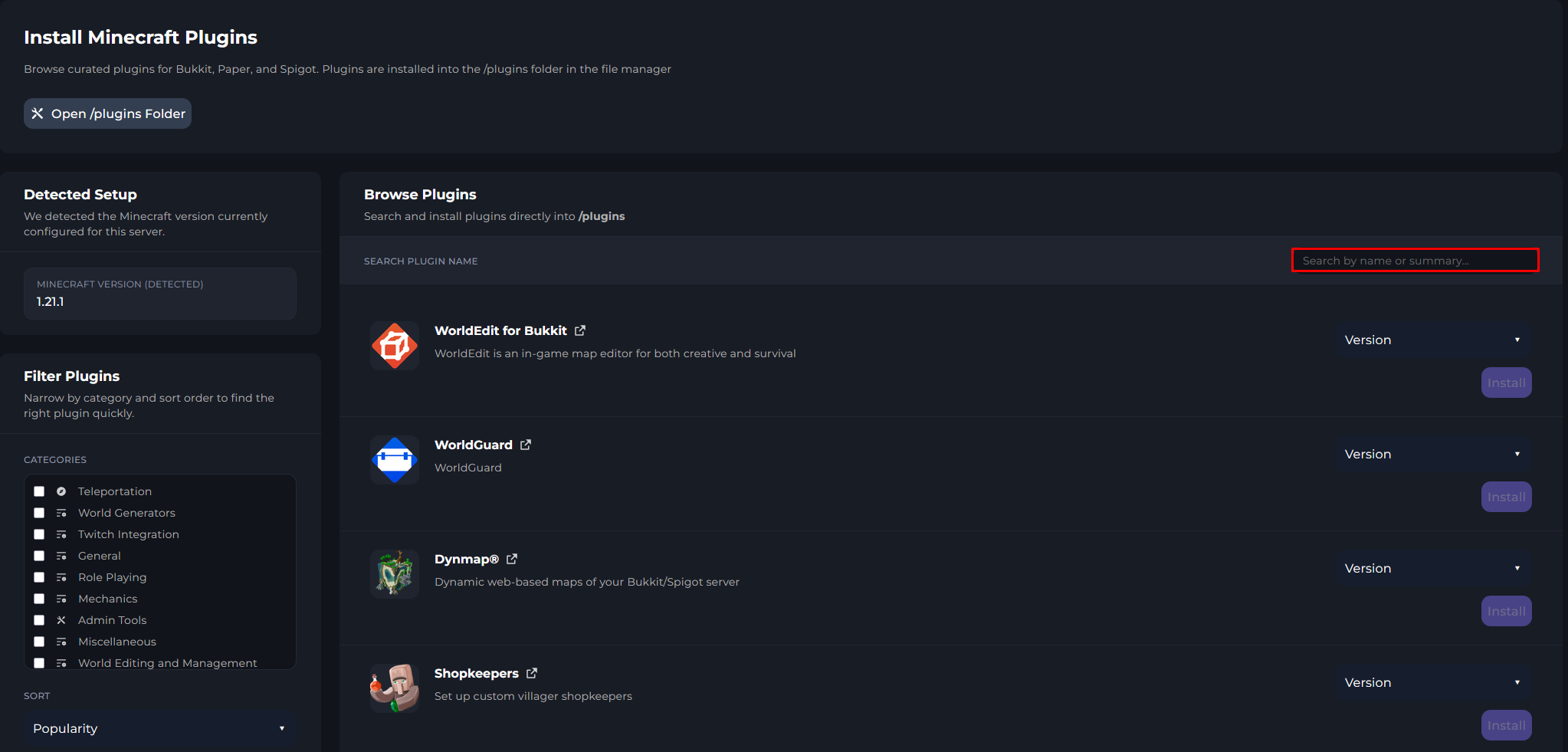
4 Now, you can click on the Plugin you wish to use & it's version of that plugin.

5 From there, Click on the Install button.

6 You will see a Modal pop-up you can click on Install & it will install for you.

7 Finally, you'll see the progress bar of the Plugins Installation, if a Plugin is bigger in size, you'll see the progress bar move slowly.

Installing Plugins Manually
1 Login to the Kinetic Panel and stop the server.
2 Head to the File Manager.

3 Find the Plugins folder.
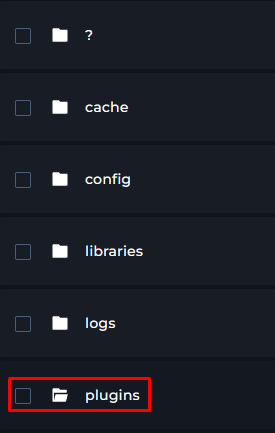
4 From there, you can upload plugins into the Plugins folder & start your server.