How To Install Sponge Forge On A Minecraft Server
Last updated 06 Jun 2025
Need a game server?
Spin one up fast with our feature-rich panel and seriously low prices.
Install
1 To install Sponge Forge on your server, download it from the official Sponge Forge website.
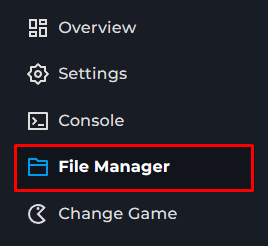
2 Go to the File Manager on the Kinetic Panel.
3 Find the Mods folder, and upload the Sponge Forge jar you downloaded into it.
4 Now, all you need to do is restart your server and Sponge Forge should've generated a Plugins folder.
5 You can upload Sponge Plugins inside of the Plugins folder.