
In this guide
Installing
1 Head to the Official Magma Maintained Github
2 Head to the Releases on the right hand side.

3 Now download the Magma-1.12.2-b4c01d2-server.jar - Or the latest version at the time.
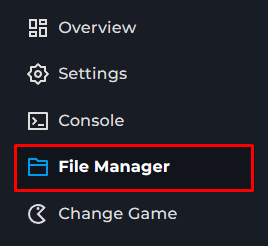
4 Next, you will go to the File Manager on the Kinetic Panel & Upload the Magma Jar you downloaded.
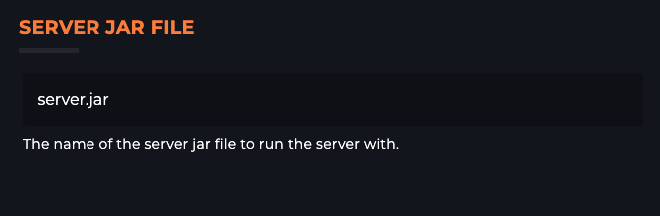
5 After, you will head to the Settings Page & put the Magma Jars name there.
You should be able to now add plugins to your server.
Potential Issues
World Corruption - Running Mods and Plugins can cause problems with your servers world, we always recommend utilizing our Backup Manager to have backups before you make any changes.
Moving To or From Arclight - If you wanting to do this, if you have plugins on your server and you are moving off of Arclight, some plugins will do more than expected placing things in the world for an example. With this, it's best to see what the plugin actually does before adding Arclight onto your server.
Stability - Arclight can be Unstable causing your server to randomly crash with no real cause. In some cases, it might be a mixture of the mods and plugins you are running on the server putting your server in a crash loop.