Settings Page
Last updated 07 Jun 2025
Need a game server?
Spin one up fast with our feature-rich panel and seriously low prices.
On the Kinetic Panel, We offer a settings page so you can edit your server without a hassle.
Main Settings
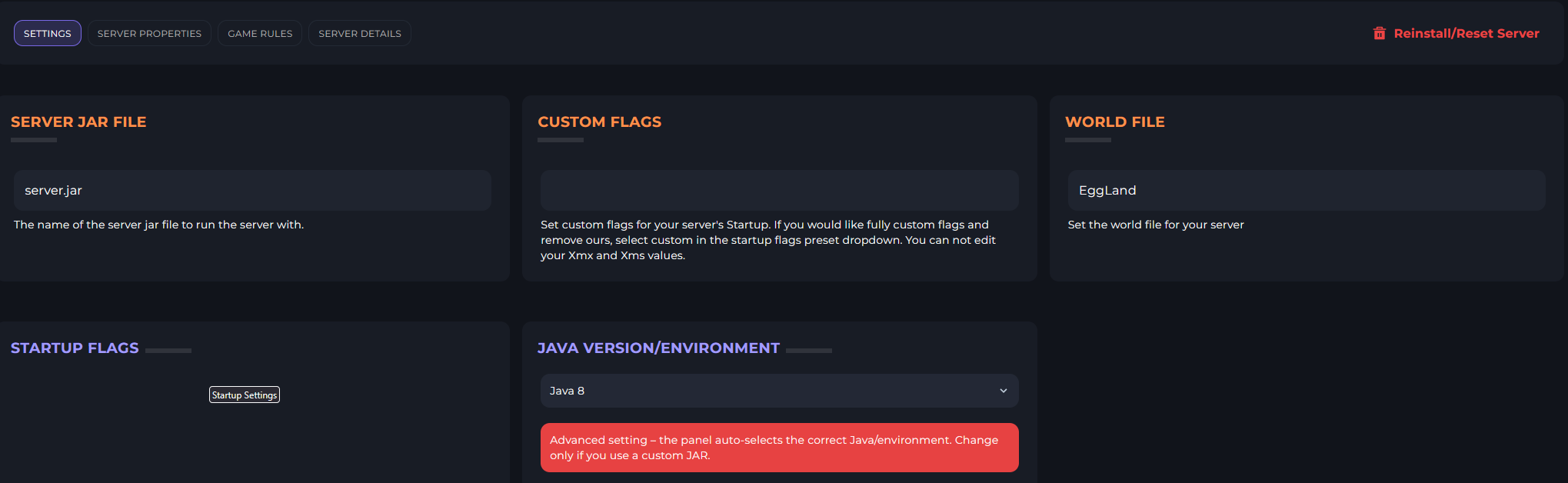
This is where you'll see the Server Jar, World File, Custom Startup Flags, Our Preset Startup Flags & The Java Version/Environment.
Server Jar File
The server Jar File is what your server uses to run.

Custom Flags
These are custom Startup Flags for your Minecraft server, if you have your own, you can enter them here.

World File
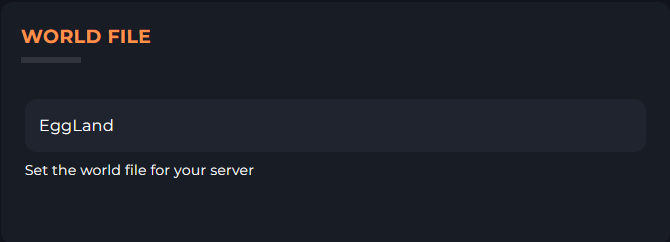
Here is where you set the World File for your Minecraft Server.
Startup Flags
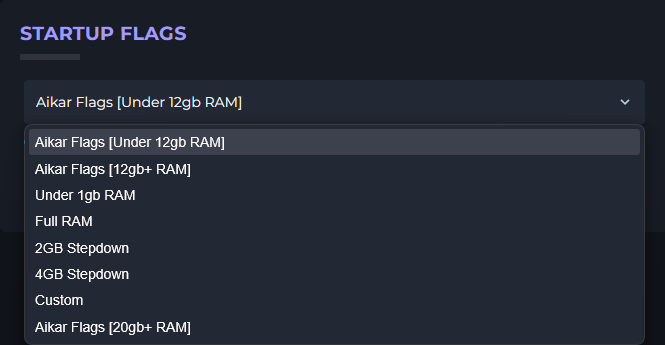
Here is where you can set your preferred startup flags for your Minecraft Server, if you are unsure what Flags to use, you can reference our guide here
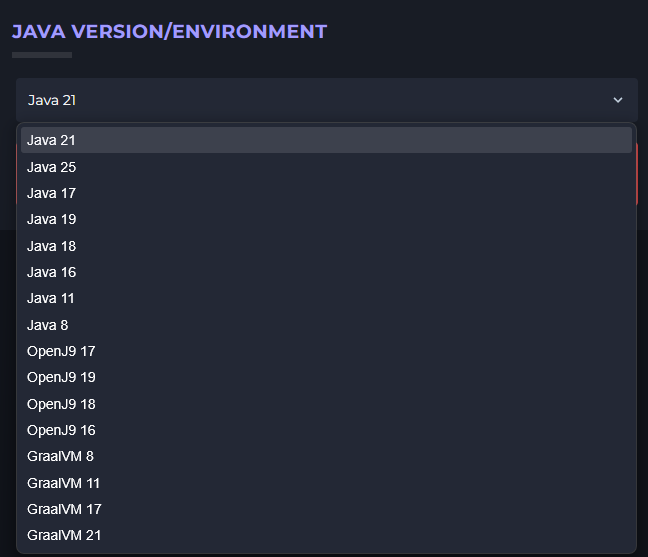
Java Version/Environment
This is where you can change your Java Version/Environment for your Minecraft Server to your preferred one.
Server Properties
This where you can edit your Minecraft Server Properties to make changes to the View Distance, Enable Flight and much more. Within the Server Properties, we have a UI Editor and a Text Base Editor, which you can choose from.

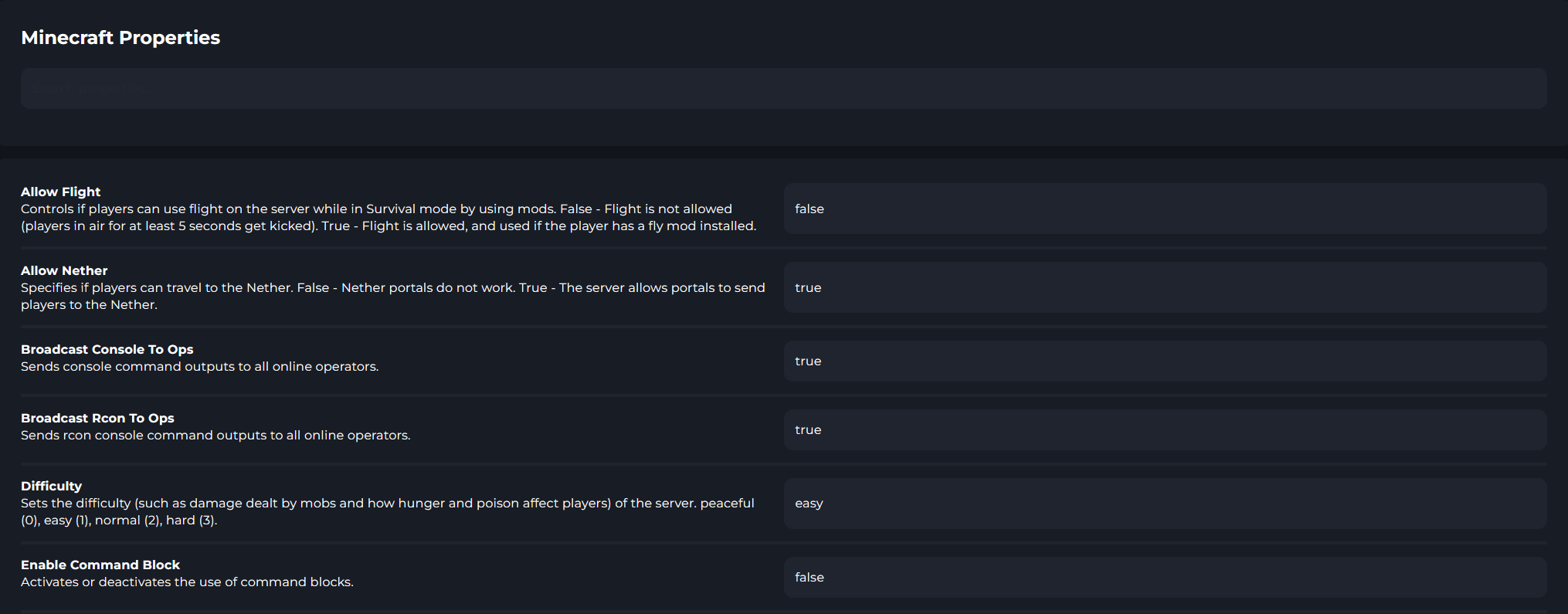
UI Editor
The UI Editor is a clean editor to edit your Server Properties file, this will most likely be the default editor that is opened.
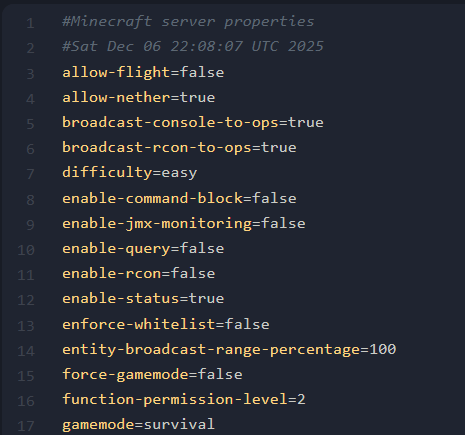
Text Editor
The Text editor is the more traditional editor for the Server Properties file on a Minecraft Server.

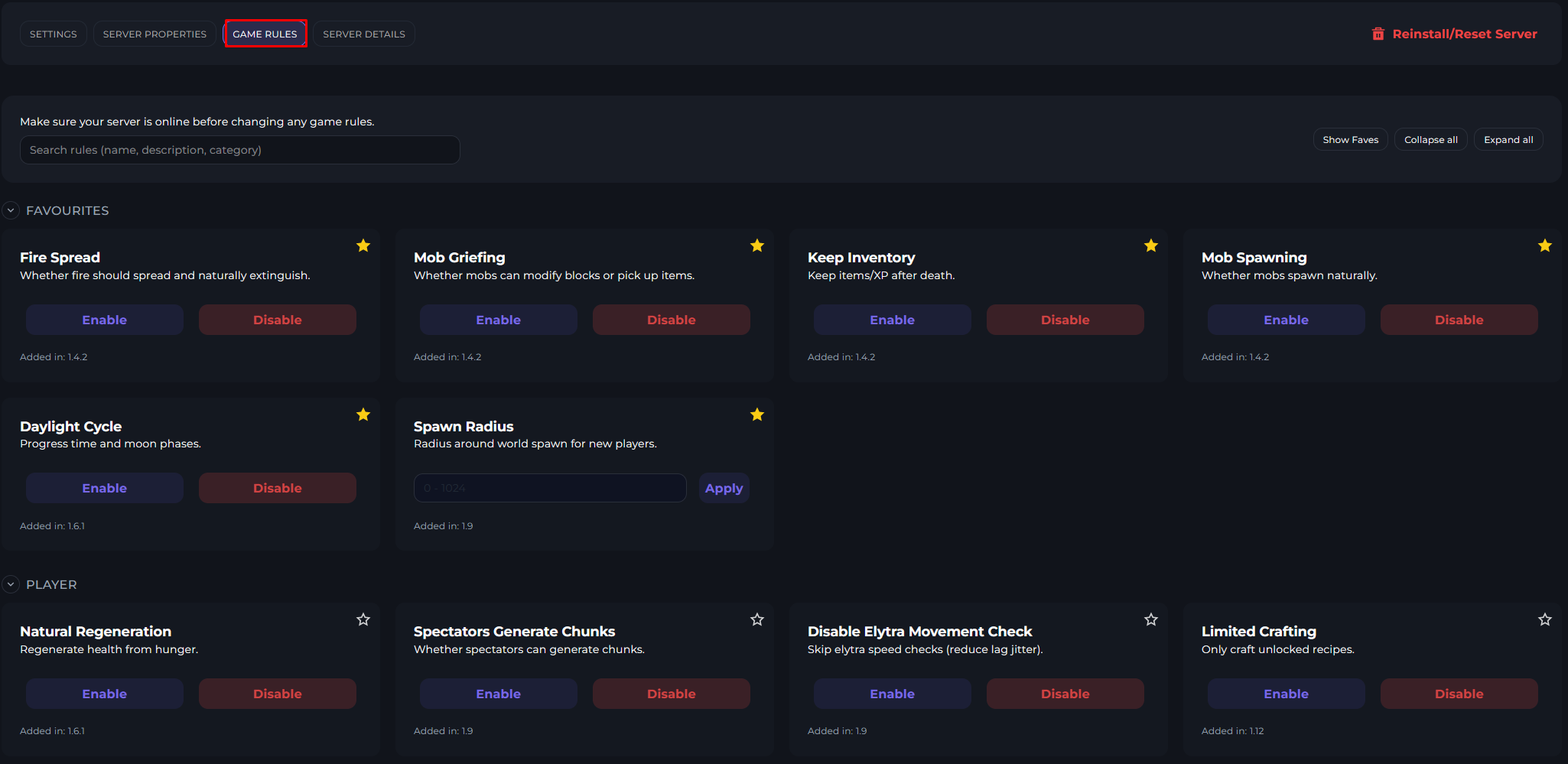
Game Rules
The Game Rules button will show a variety of Game Rules that you can do within your Minecraft Server, this will give details on when the Game Rule was added into Minecraft and what each one does. You can also click the Star Icon next to the Game Rule to mark them as a Favorite, which will ping to the Favorites tab.
Server Details
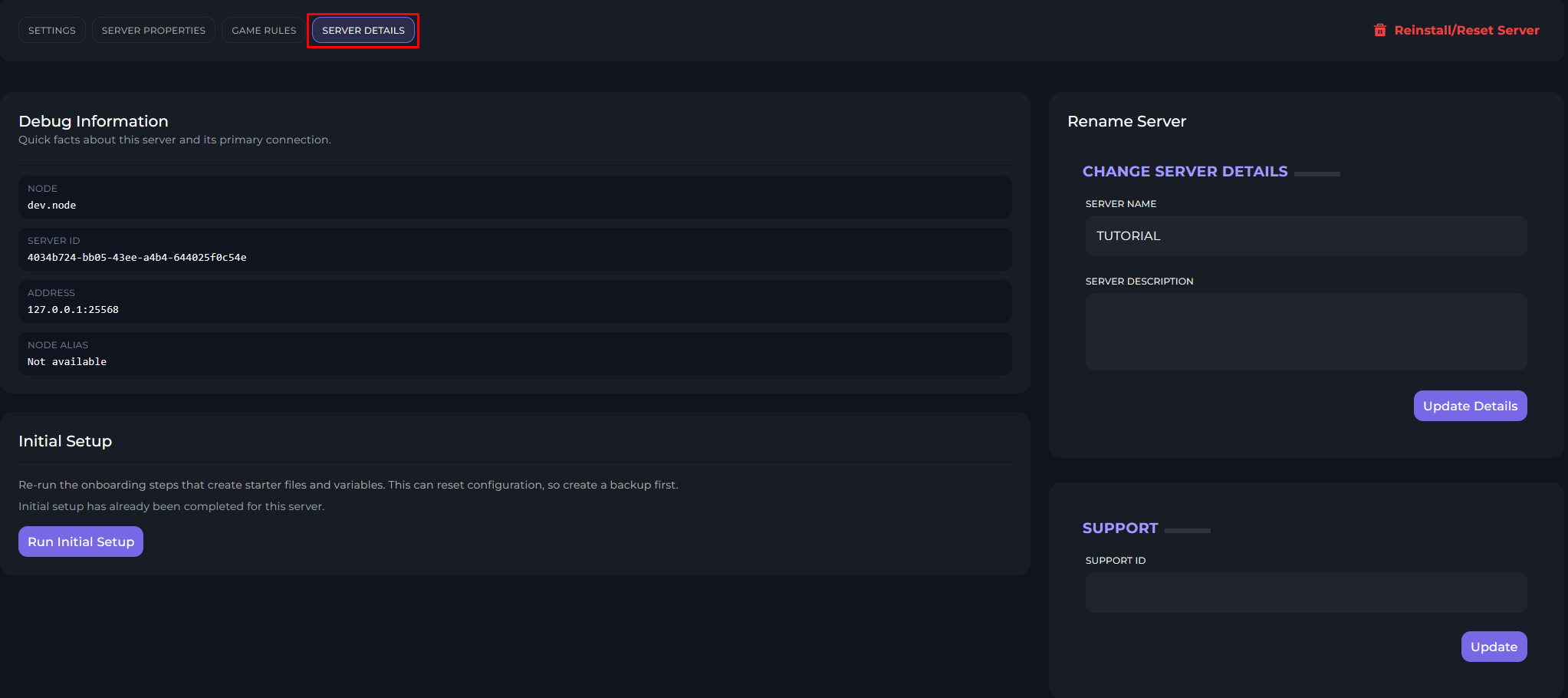
There are server details which will show the Node you are on, a longer version of your Server ID, Server Name & Description, Toggle the Initial Setup and enter your Support ID.
Factory Reset
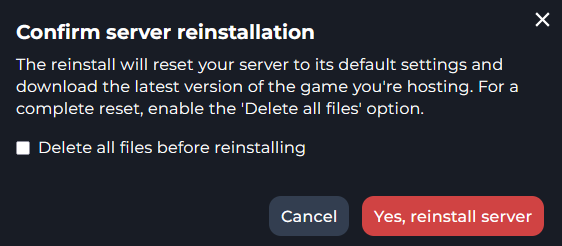
This is how you would Factory reset your Game Server with Kinetic Hosting to it's original Settings as when you first purchased it.