How to use the Mod Manager
Last updated 24 Oct 2025
Need a game server?
Spin one up fast with our feature-rich panel and seriously low prices.
The Mod Manager provides a friendly UI that lets you manage your mods. It also offers features such as mod scanning to remove possible client-side mods.
How to scan for client-side mods
Log in to the Kinetic Panel.
Navgaite to the Mod manager.
Click Light Scan.
warningThe Light Scan can half False-Positives, make sure the mods are 100% client-side only.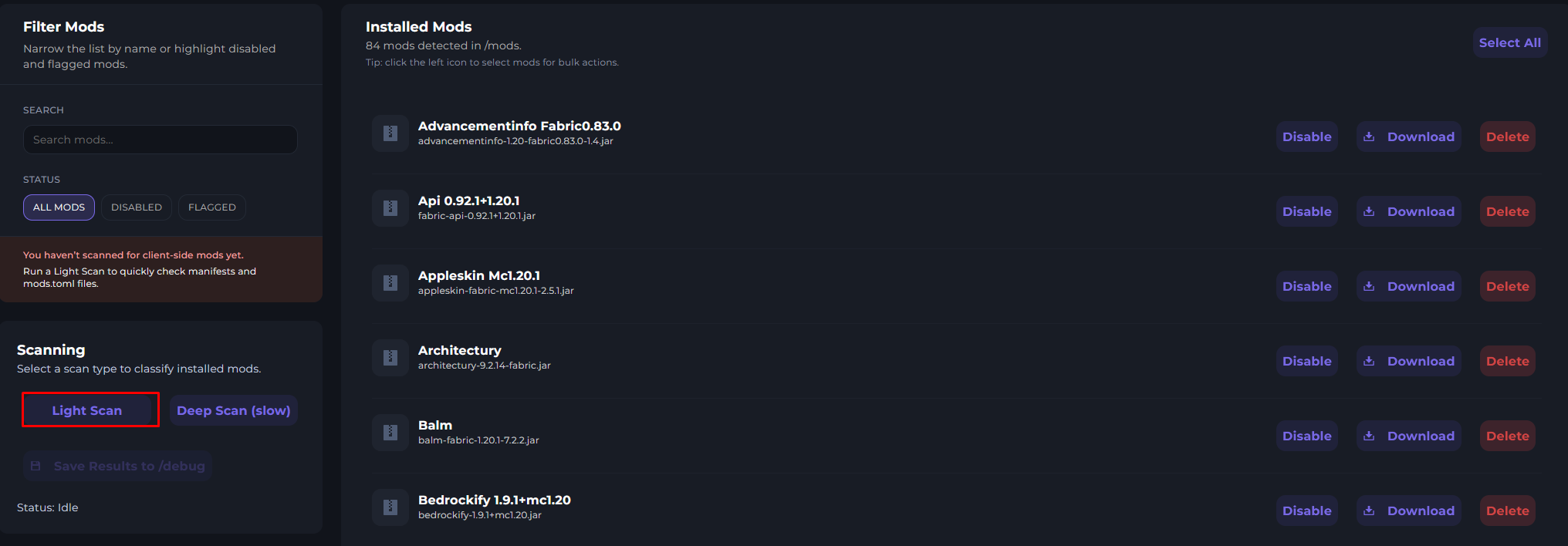
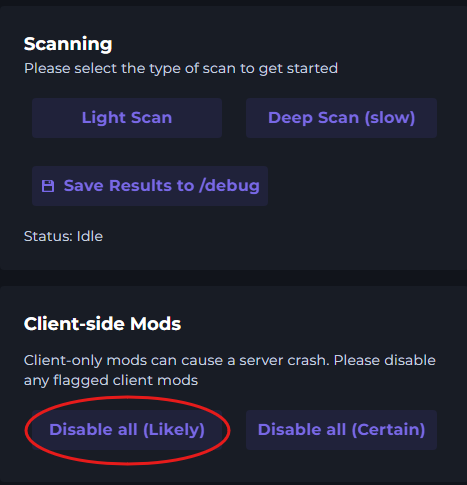
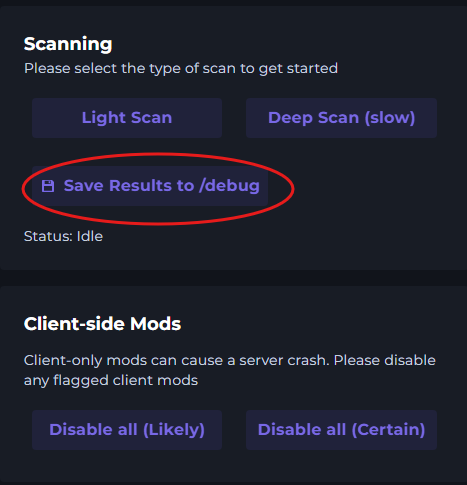
Once the scan is complete, you have a few options.
1. Disable all (Certain)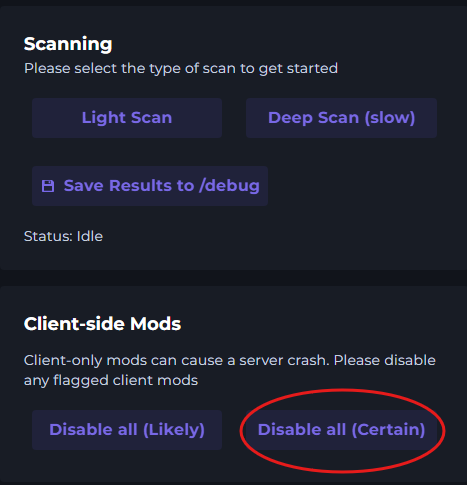
Disable all (likely)
Save Results to /debug.
How to navigate to the normal file manager.
Click on Swap to Files (/mods)

How to disable mods
Click disable on the mod.
