
In this guide
1 Login to the Kinetic Panel
2 Head to the Settings Page.
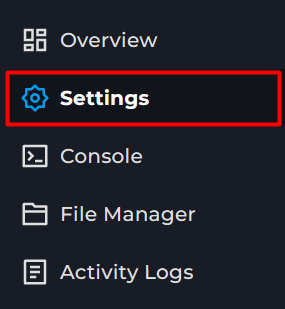
3 Click on the Server Properties tab.

4 Now, type in "Difficulty" you should see a a box there where you can put a difficulty in.

Different Difficulties
Peaceful - Hostile mobs will not spawn naturally, player health is restored much faster, and you can not die for hunger or poison damage.
Easy - Hostile mobs can spawn, but their chance of wearing armour is lowered and they will not hit as hard, player health is restored much faster, and hunger and poison can only remove half your health.
Normal - Hostile mobs can spawn, but their chance of wearing armour is lowered. Hunger and poison damage can take you down to half a heart.
Hard - Hostile mobs can spawn, and they will spawn a lot more. Zombies will hoard more, and mobs have a high chance of wearing armour. Hunger and poison damage can kill you.
Old Minecraft Versions
If you're using an older version of Minecraft, this may need to be numbers. So 0, 1, 2, or 3. With 3 being hard.
Using a Command
If you don't want to restart the server, you can use a command. To use this command you'll need to be an OP on your server, or have access to the console.
To change the difficulty run /difficulty then what you would like to set it to. So if we wanted it to be hard, we would do: /difficulty hard