How To Set a Minecraft Server Icon
Last updated 03 Jun 2025
Need a game server?
Spin one up fast with our feature-rich panel and seriously low prices.
The server icon is the image you see on the left side of the multiplayer menu, we will be using a tool & giving some tips, to assist us to make sure the icon will display correctly on Minecraft.
Make sure the Image is a PNG image format.
Make sure the Image is 64x64 pixels.
Make sure the Image called "server-icon.png"
Simple Image Resizer - To Resize the Image.
Setting the Server Icon
1 Login to the Kinetic Panel
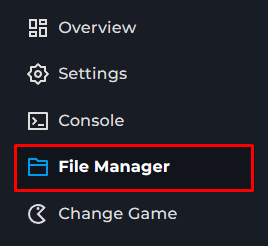
2 Head to the File Manager.
3 You will upload the Icon inside of the file manager.
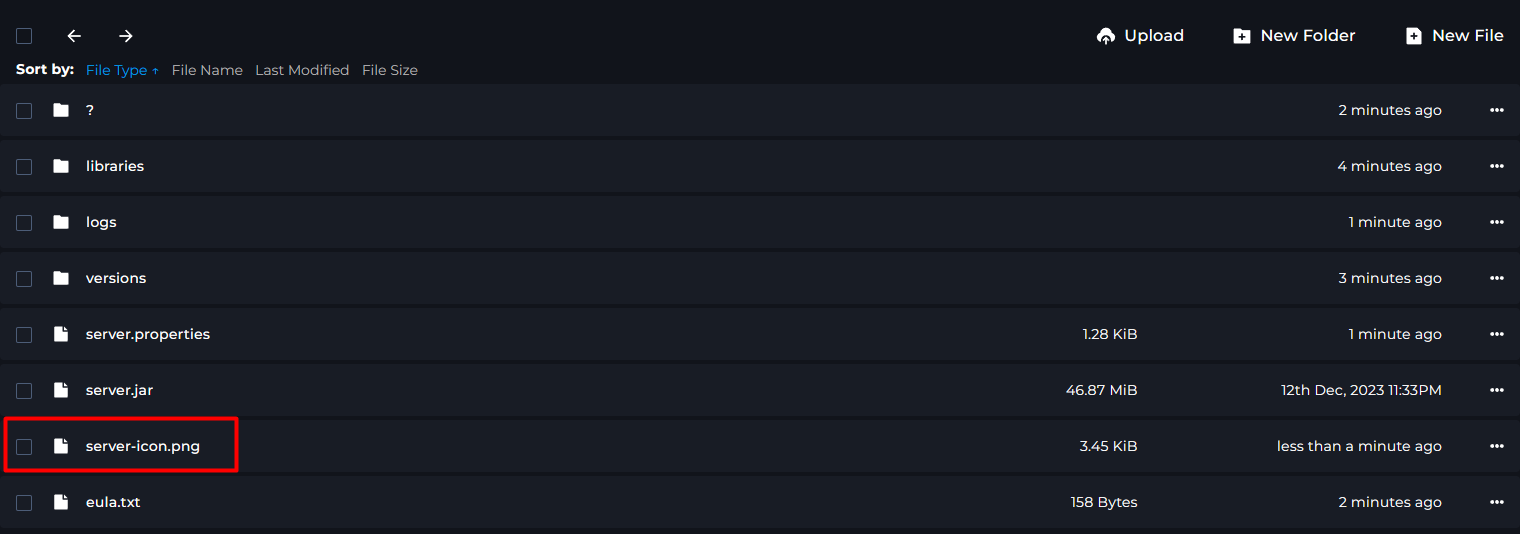
4 From there, you are all set! You can restart your server & the icon will apply.
