How to Install a Datapack on a Minecraft Server
Last updated 02 Jun 2025
Need a game server?
Spin one up fast with our feature-rich panel and seriously low prices.
Installing Datapacks give your Minecraft server a unique quality of life change, from different world generation to custom items.
notice
Make sure the datapack you would like to add is the correct Minecraft version your server is running.
1 Login to the Kinetic Panel
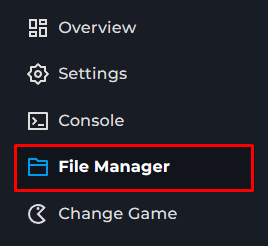
2 Head to the File Manager
3 Find your Worlds folder & open it.

4 Next, find the datapacks folder & open it.

5 You will put your datapack inside of the datapacks folder.
From there, you can start your server & you should be good to go.
warning
Some datapacks may require you to extract them, make sure to check for that.