
In this guide
Installing EssentialsX on your Server
1 Download the version of the plugin you need from their Download Page.
2 Login to the Kinetic Panel and stop the server.
3 Navigate to the File Manager & Find the Plugins folder.
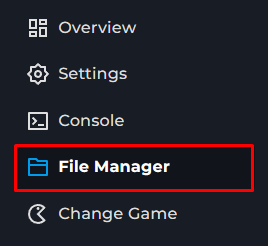
4 Drag and drop the EssentialsX.jar that you downloaded into the Plugins Folder.
5 You can now start your server & EssentialsX should be installed!
Configuring EssentialsX
EssentialsX should already be running on your server, and all of it's features are available to use. For the majority of users, it's fine to leave the configuration on it's default settings. Although, EssentialsX is very configurable and you can change nearly every setting.
In order to access and edit the configuration file, follow these steps:
2 Login to the Kinetic Panel and stop the server.
2 Navigate to the File Manager & locate the Plugins folder, then the Essentials folder.

3 You will see a config.yml file, you can click that to edit the contents within EssentialsX.

From there, you can edit your servers settings to suit your needs. For more information you can visit the EssentialsX Plugin's Page