In this guide
Using The Player Manager
1. Login to the Kinetic Panel
2. On the left-hand side, you will see a Player Manager button under the Games category.

3. You will be able to see the current online players, & actions next to their name.
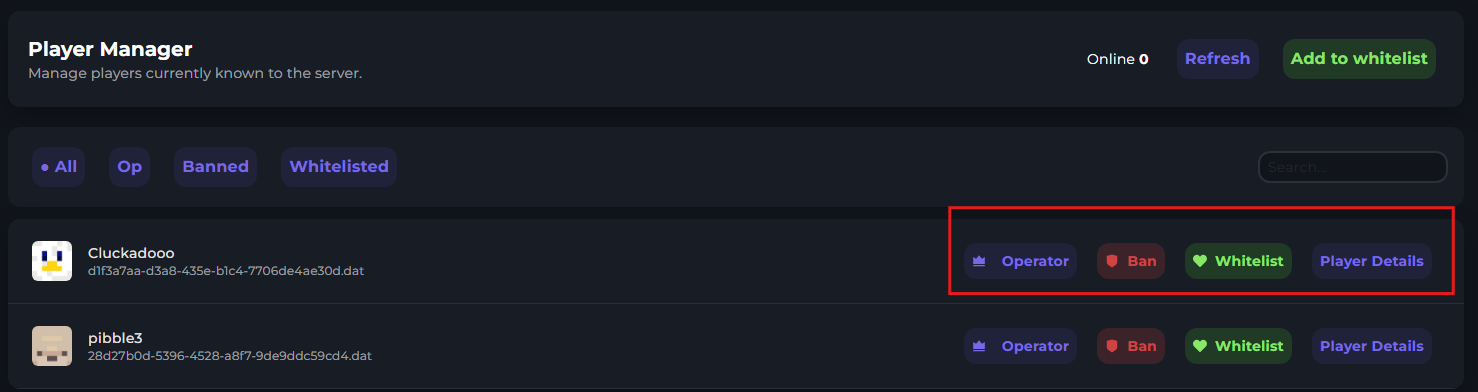
4. You can use these actions to do as you wish. You can also click on more for more options.
Managing Whitelist
Adding players to the whitelist.
Click the whitelist button beside a player.

Removing a player from the whitelist
Click the unwhitelist beside a player.

You can also click on the whitelisted button to remove a player.

Manage Operators
Click the operator beside a player's username.

Removing an operator.
Click the button beside the username.

You can also click op in this bar to show all ops.

Managing Bans
Banning a player.
Click ban beside a user.

Unbanning a user.
Click unban a user by clicking unban beside a username.

You can also click on Banned to view all banned players.

Player Data Tool
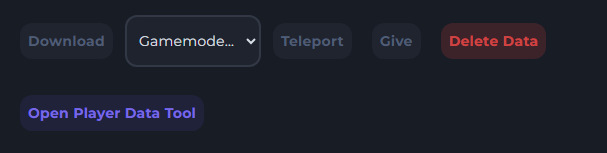
The player data tool will allow you to modify a user's data, including health, Cords, and Inventory Manager
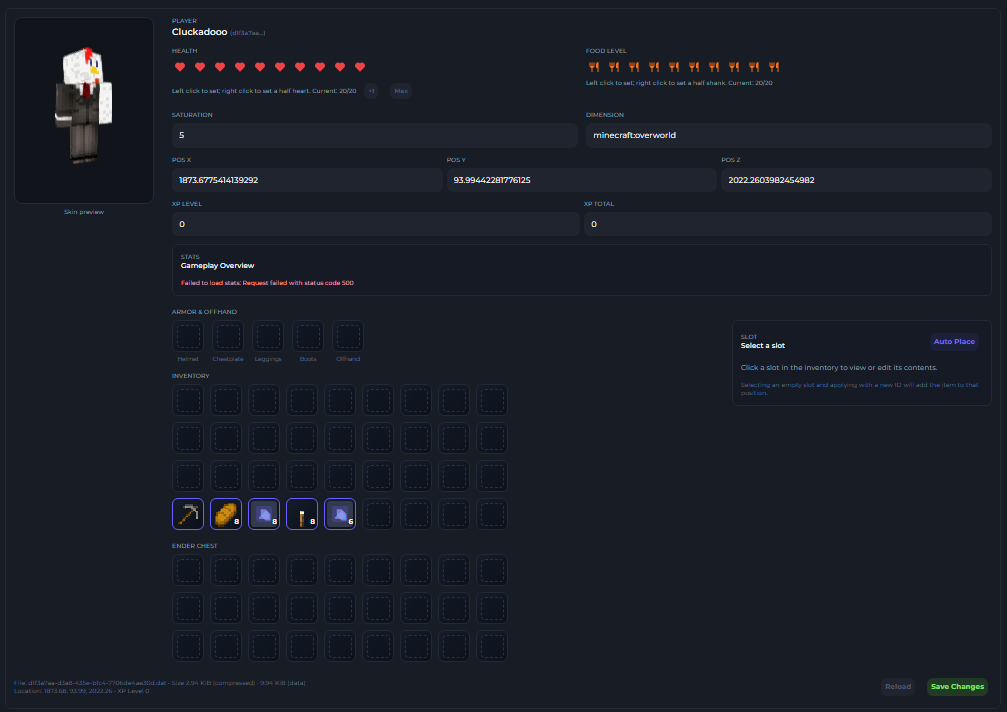
Inventory
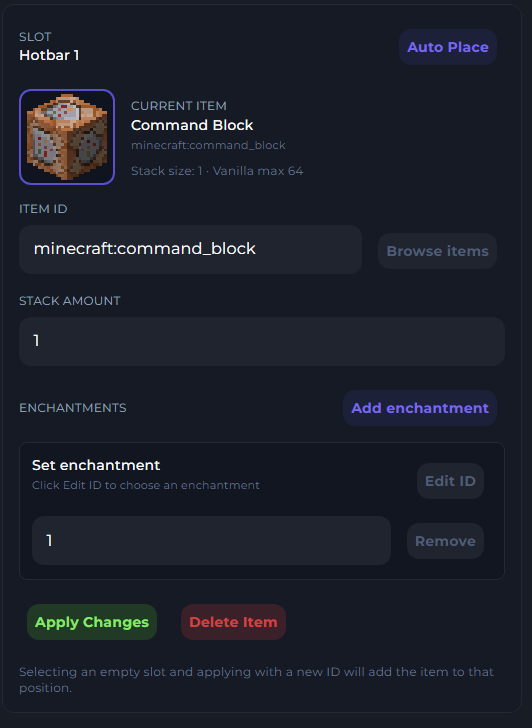
You may select a slot in a player's inventory and modify the contents of it, from the item ID, Amount & enchantments.