
In this guide
How to upload your world to your Minecraft Bedrock Server
Before uploading your world to your server, you will first need access your world file. If you already have your world file, you can skip this step.
However, if you don't have your world file, please follow the following steps:
First, open your bedrock game, and click "Play"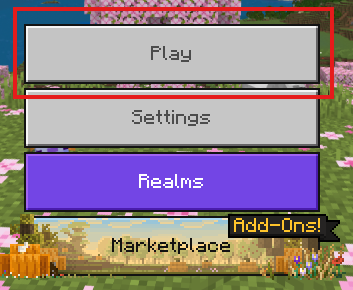
Then, next to your world, click "Edit".

In the next menu, on the right side, click "Export world". You'll need to choose where you want your world to be exported to.
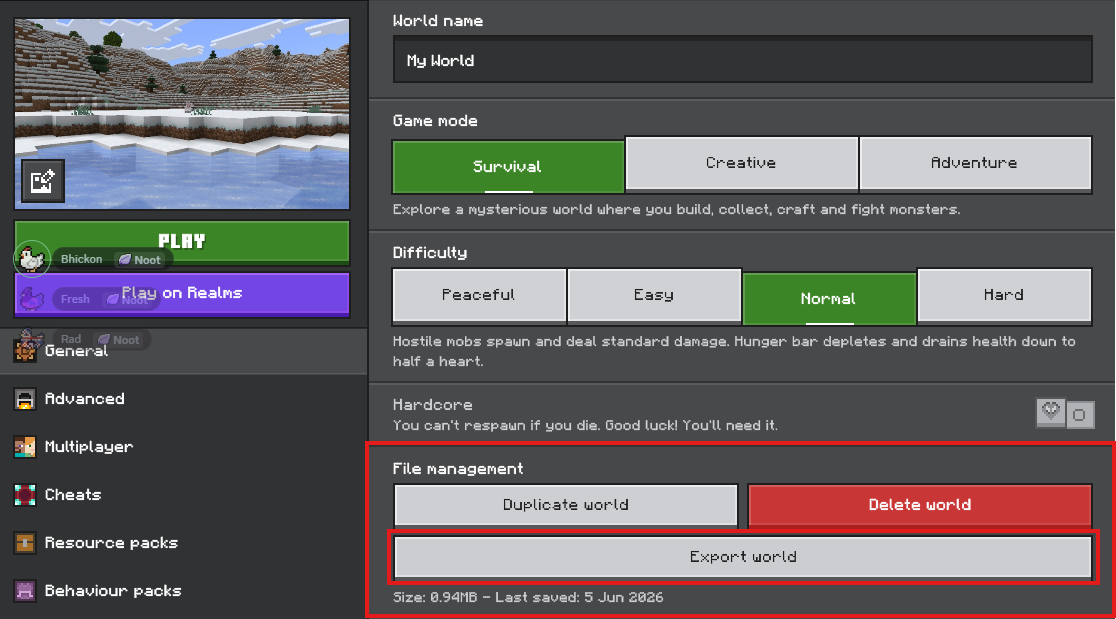
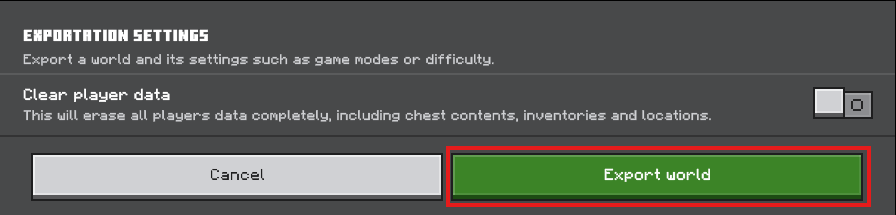
Once you've done all that, you'll find your world file on your computer.
You'll then need to log into your Kinetic panel.Stop your server.
-1767383729764.png)
Go to File Manager.
-1770486606909.png)
In file manager, go to your "Worlds" folder.
In there, you should already see a folder called "Bedrock Level". Open that folder, then delete it's files.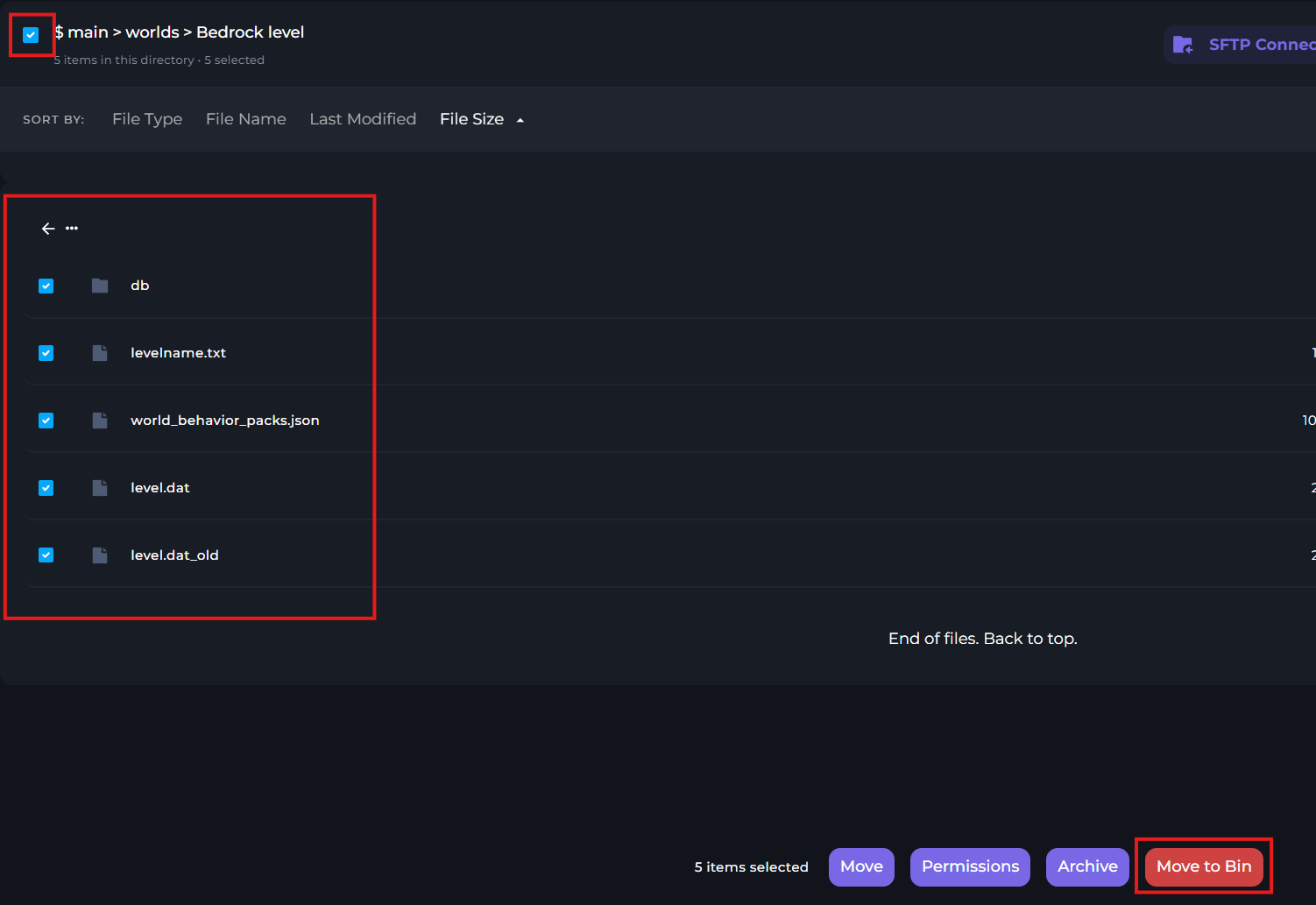
Once the files have been deleted, upload your .mcworld file to the folder. Then, right click it, and click "Unarchive".
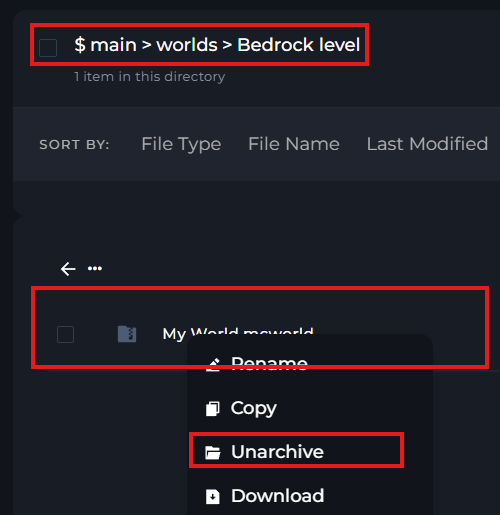
Once that's done, you can delete the .mcworld file you originally uploaded if you wish. But you don't have to.
Now, simply start the server.-1767462125511.png)