In this guide
How to use the File Permission Show and Repair Tool on your Kinetic Panel
Login to your Kinetic Panel
Open File Manager.
-1770311095747.png)
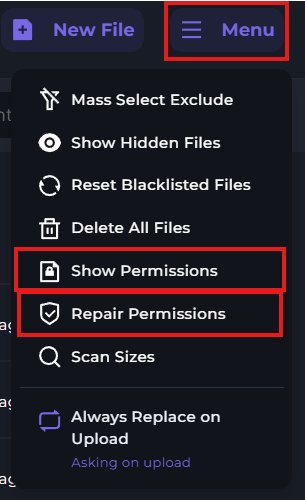
On the right side of your File Manager menu, click "Menu". Here, you'll see options to either view the permissions of your files, or repair them.
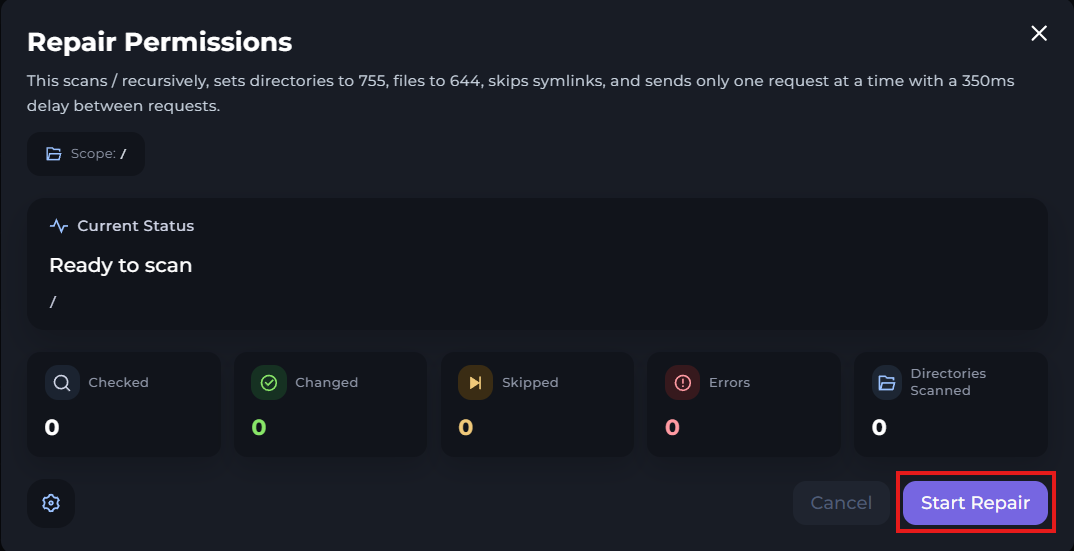
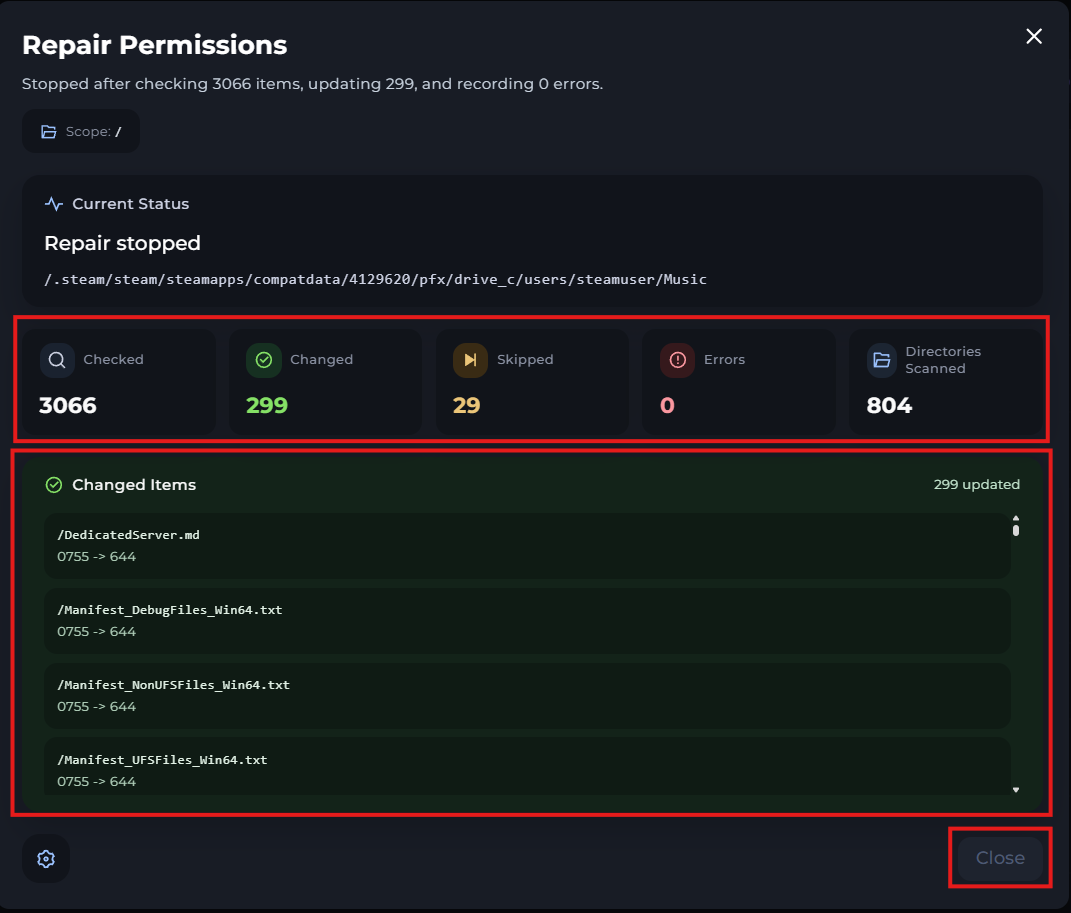
When repairing, you must keep your Kinetic Panel page open, otherwise it won't work. Once the scan is complete, all information about any changes will be listed, and you can close whenever you're ready.