In this guide
1. Login to the Kinetic Panel
2. Make sure the server is online.
3. Head to the Settings Page.
-1770486781191.png)
4. Click on the Game Rules button.

5. You should now be on the Game Rules page, Deppending on the version that you are running you will get diffrent options. If the panel does not detect what version you are on it will display all Game rules. In this case you can use the version installer to reinstall your current version

The panel will split the game rules into sections
Favourites
Player
Chat
Drops
World Updates
Mobs
Spawning
MiscYou can choose to favourite a game rule this will have them show up in the Favourites catagory
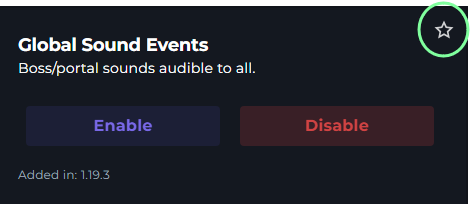
You can Enable or disable them on this menu, For ones that allow it it will have a text box with a range.
You can also use the search box to find the gamerule you are looking for

Minecraft Command
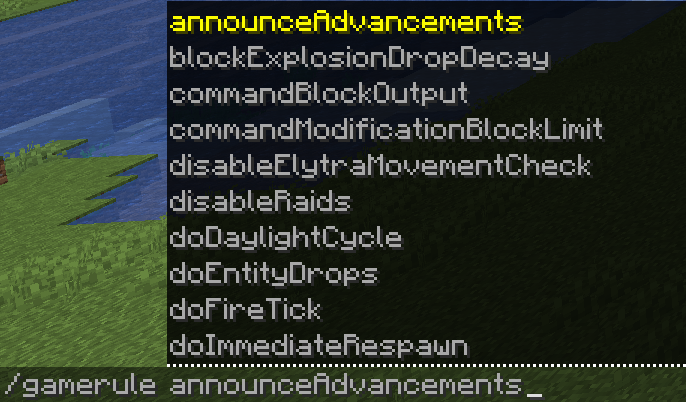
You can also use the Game Rules in your server when you are logged in.
When you are on your Minecraft server run the /gamerule command use the TAB key on your keyboard to filter between the game rules in other versions. Then, at the end of the Game Rule end the command with "true" or "false" to enable or disable them.