How To Start Your Server
Last updated 02 Jan 2026
Need a game server?
Spin one up fast with our feature-rich panel and seriously low prices.
Starting The Server On The Workspace Page.
Head to the Workspace Page on the Kinetic Panel.
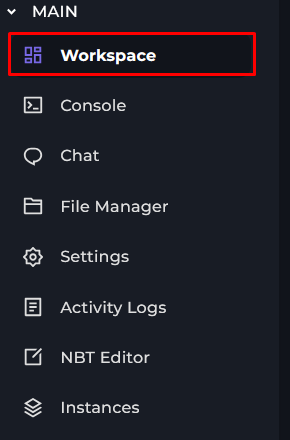
You will see the Power Actions on the right side of the page. You'll want to click on the Starter button which will power on your server.

Starting The Server With The Power Actions Bar
On the Top Right of the page and click on the Red Power button.

Now, click on the Forward Arrow, this will be the Start Server button.

Killing Your Server
When pressing the stop button, you'll get the option to kill your server. Killing your server will force-stop the server. This is useful if your server is stuck and not responding to commands. Killing your server might lose your progress, if you would hasn't saved it. So only use this button if your server is really stuck.