How to Change Game on the Kinetic Panel
Last updated 08 Dec 2025
Need a game server?
Spin one up fast with our feature-rich panel and seriously low prices.
Login to the Kinetic Panel.
Click Change Game on the sidebar.

Select the game you wish to install.
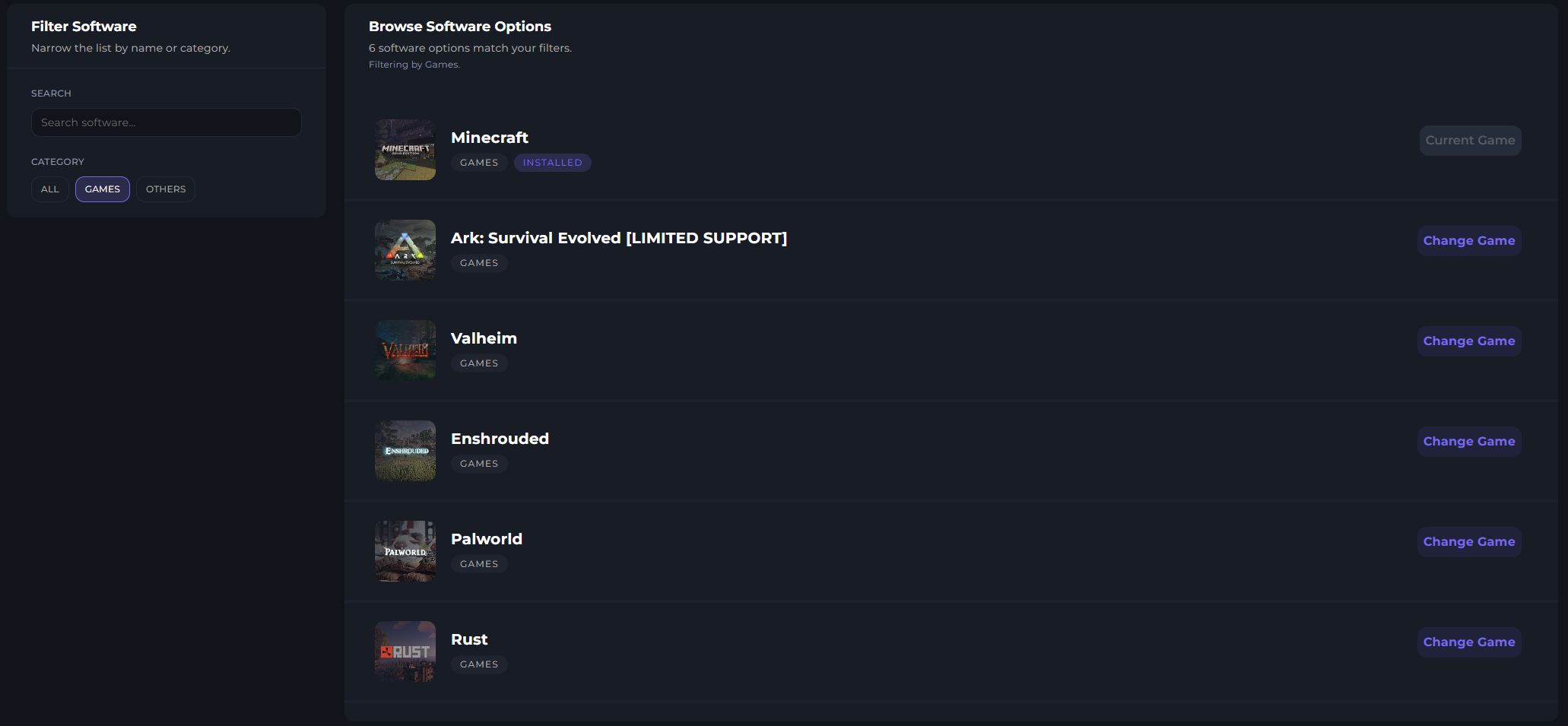
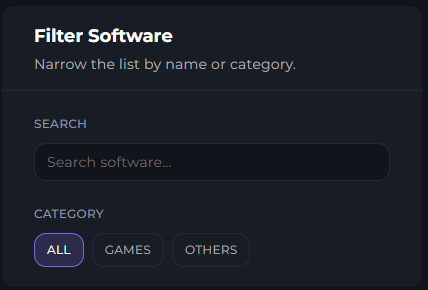
You can also use the search bar.
Click Change Game.

Read the message shown on screen. Once done, enter RESET into the box.
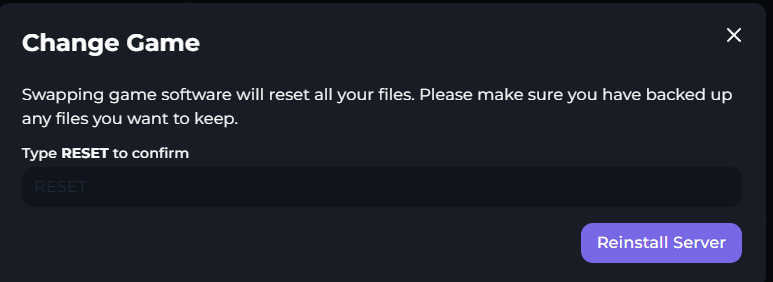
Click reinstall