Activity Logs
Last updated 07 Dec 2025
Need a game server?
Spin one up fast with our feature-rich panel and seriously low prices.
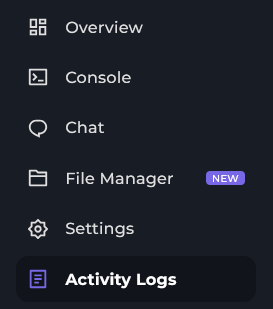
Login to the Kinetic Panel & head to the Activity Logs.
Now, you'll see the Activity Logs on the Kinetic Panel.
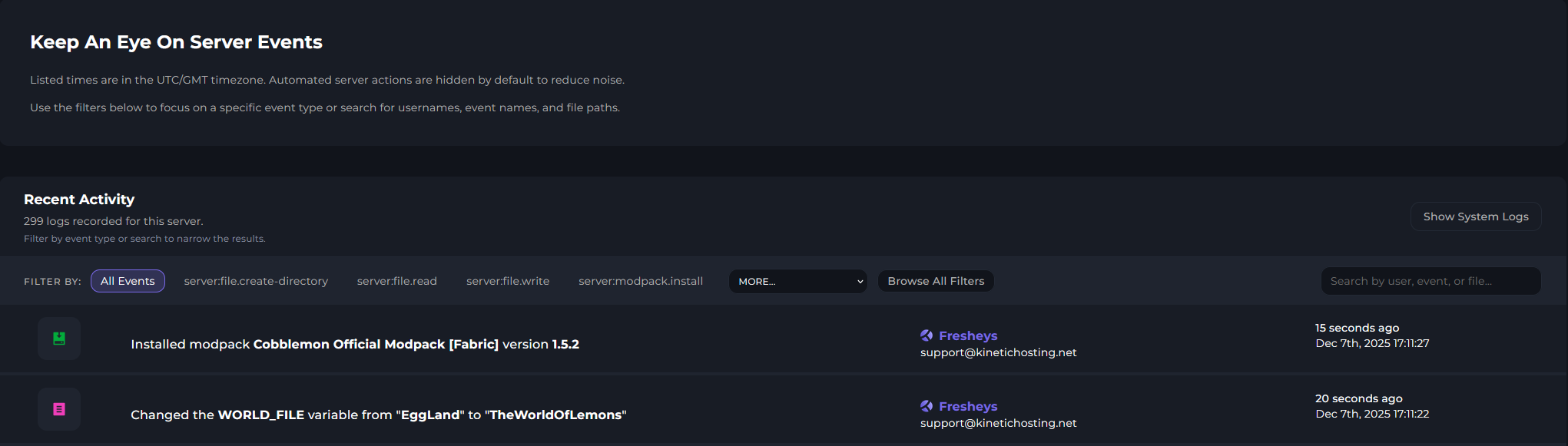
Power Actions
You will also be able to show specific actions, such as Server Start, Restart, Stop & Kill.

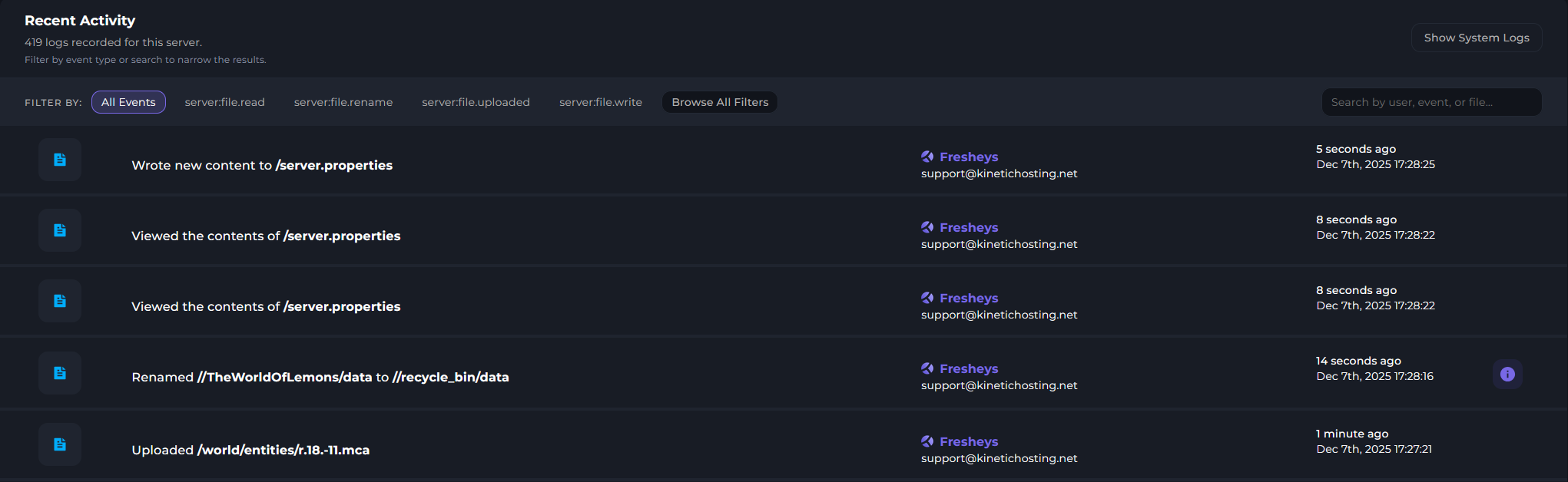
File Management
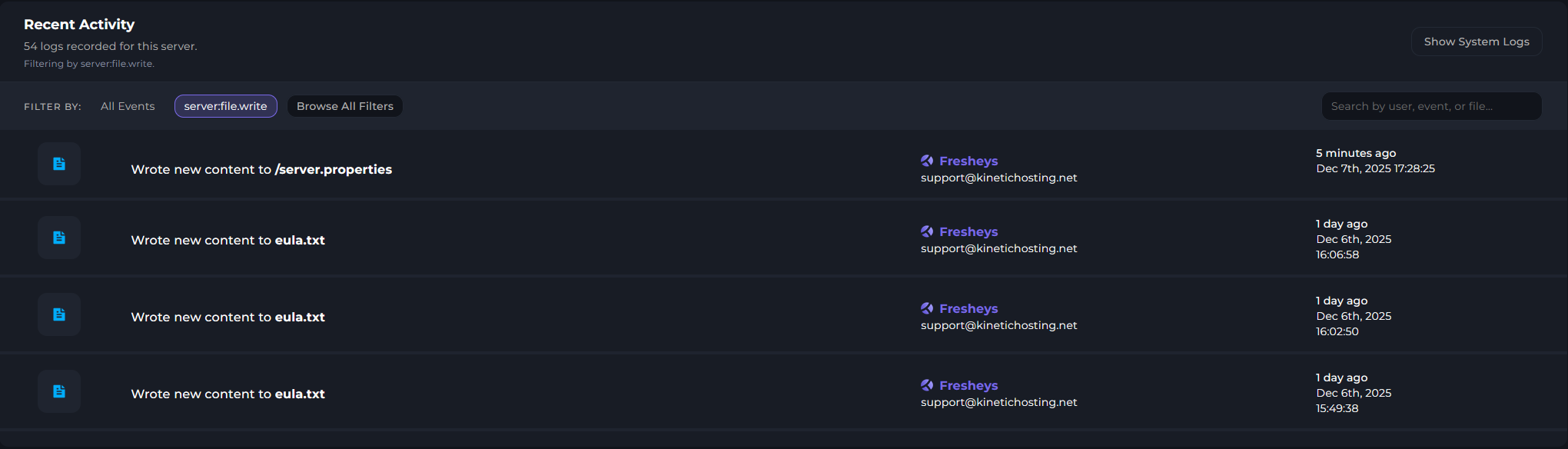
You will be able to see User Uploaded, Deleted & Edited Files.
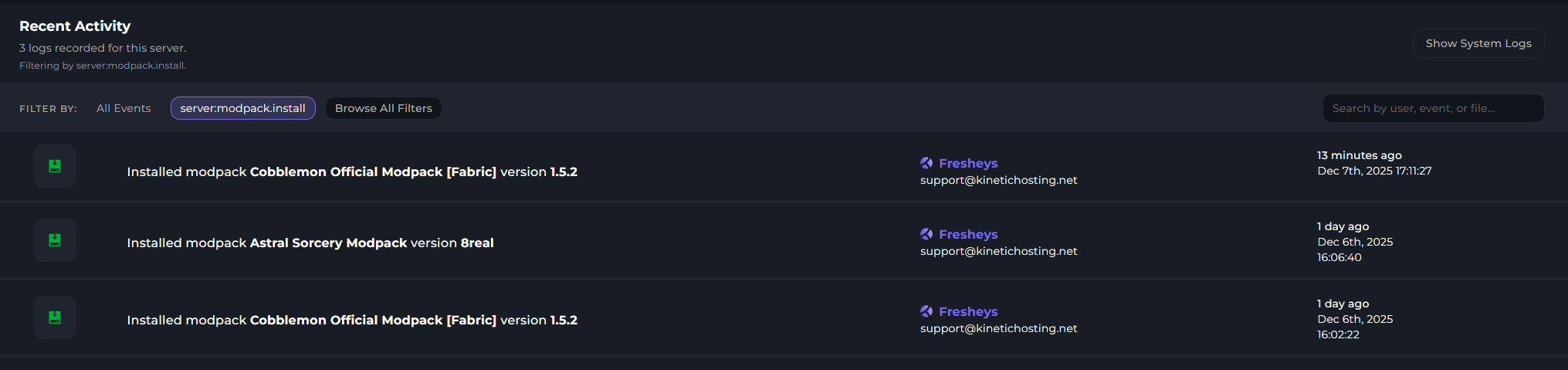
Minecraft Modpack & Version Installs
Ability to view Minecraft Modpack & Version Installs.

Filters
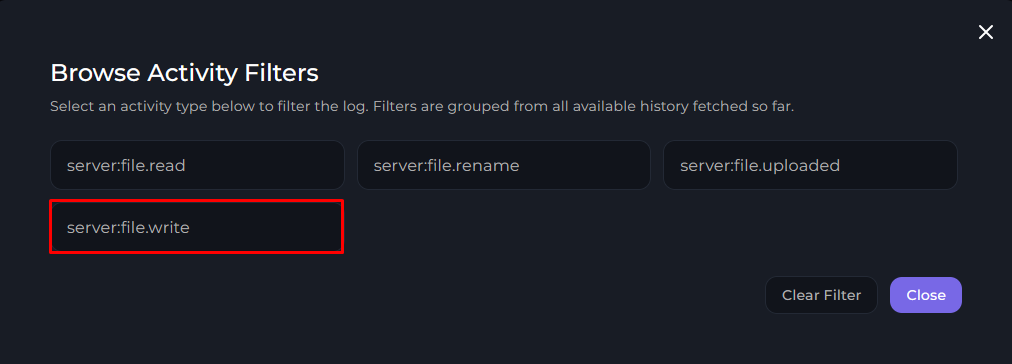
Ability to filter specific actions, if you are looking for Edited Files for an example, you can see what file was edited, by who & what time & date. There are more filters you can choose from. However, this will be the example being used.

success
That is a tour of the Activity Logs on the Kinetic Panel.