In this guide
Setting your password:
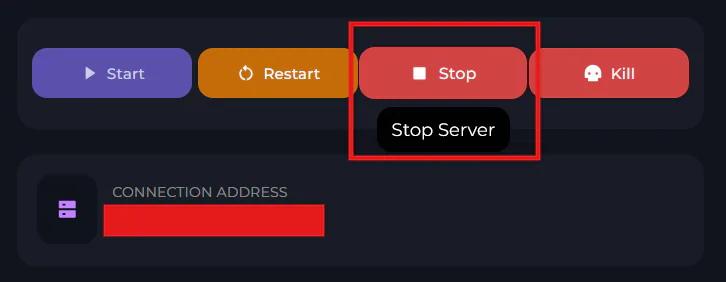
Open the Kinetic Panel and Stop your server in the power settings.
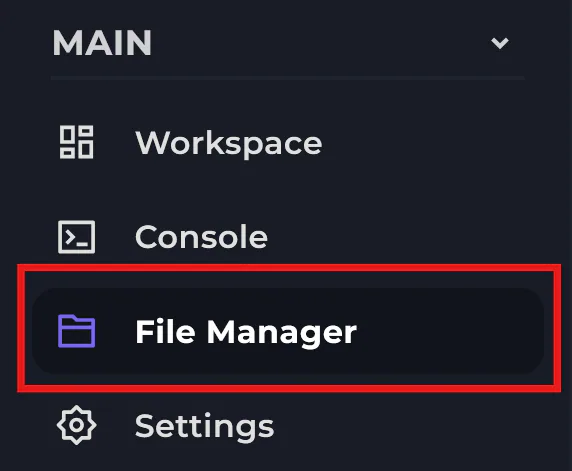
Head to the File Manager in the side bar, then find and open the server.toml file.
In this text file, find the Server section, then find the Password text line. Then enter your chosen password between the quotation marks provided.
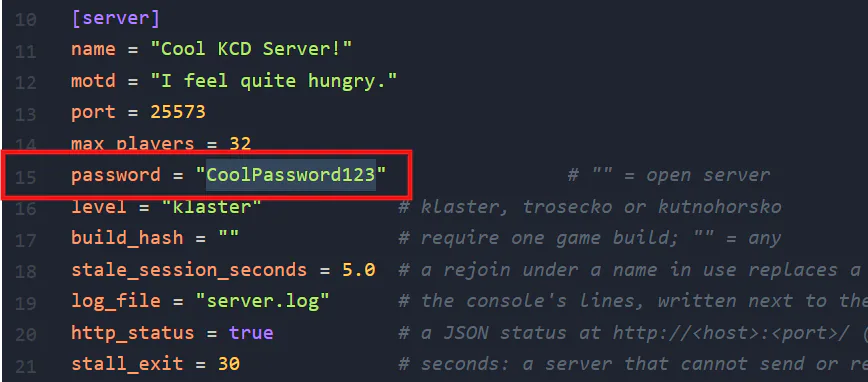
(Remember: your players will need to enter this password to join, so make it secure but easy to type.)
Once you're done, make sure you click "Save" at the top of the page.
-1777923633652-optimized.webp)
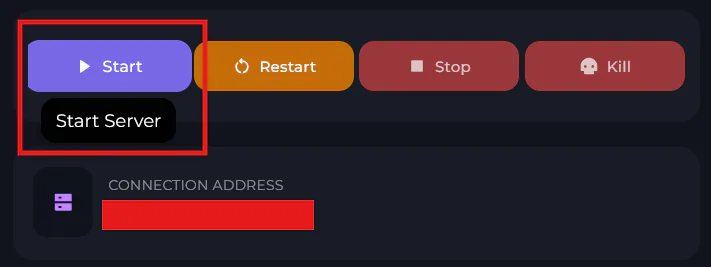
Start your server back up and you're ready to play!