
Locate your Save Files, These can be found at
C:\Users\<Username>\AppData\Local\Icarus\Saved\Playerdata\<Id>\ProspectsLogin to the Kinetic Panel.
Stop the server.

Go to File Manager
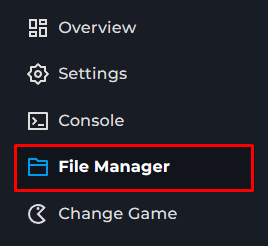
Go to Icarus > Saved > PlayerData > DedicatedServer > Prospects
Upload your Prospect.
Start the server.

Select your Prospect on join or on return to lobby
Icarus guide
How to upload your own Prospect to your Icarus Server
This guide will cover locating your own Prospect on your pc and uploading that to your own Icarus server. So you may continue you game with others