
In this guide
Locating the World File
Open up your Hytale Game.
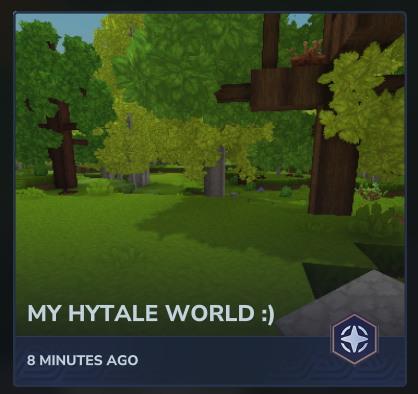
Click on Worlds.

Right Click on the world you wish to import.
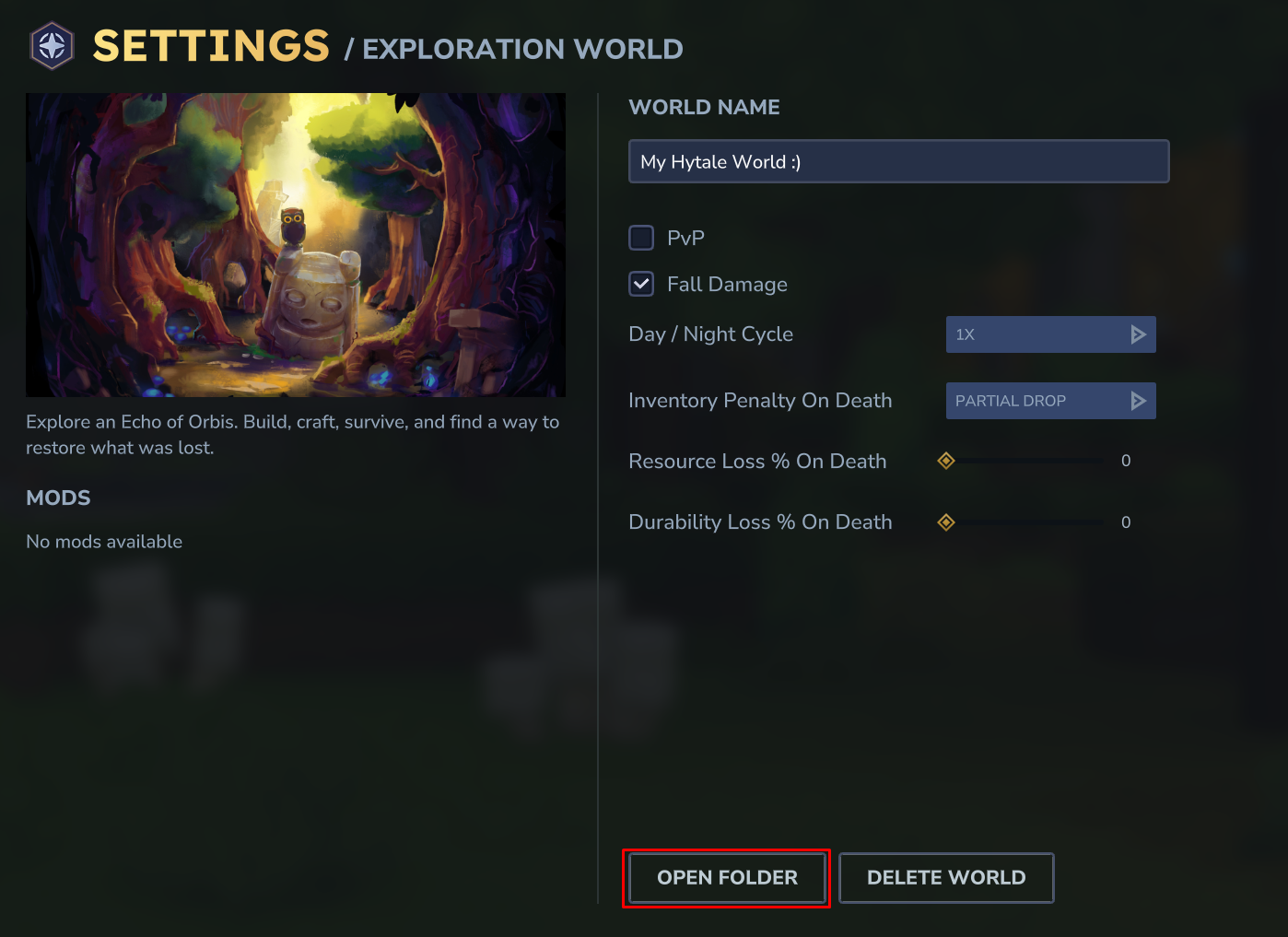
Select the Open Folder Button, this will open a folder on your computer where your Hytale Saved Data is located.
Open the Universe Folder.

Open the Worlds folder.

You will then want to make a new zipped Archive, then drag & drop the default folder inside of the archive.
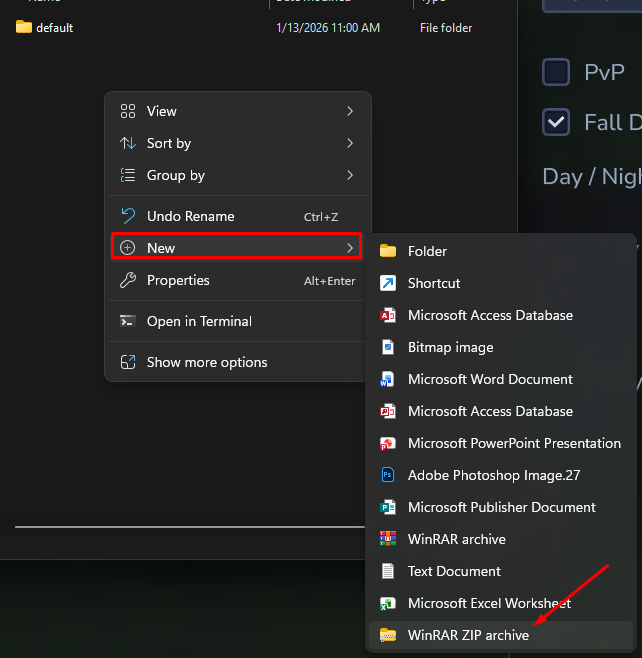
Once everything is compressed, you can proceed with the next steps.
Uploading the World Folder.
Head to the File Manager.
-1770486606909.png)
Navigate to the Universe Folder

Click on Worlds.

You will notice a world called default, this is safe to be deleted.
Once deleted, upload your World Archive, you can drag & drop the Archive directly in the File Manager.
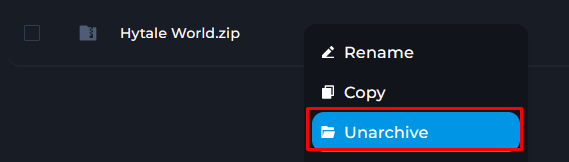
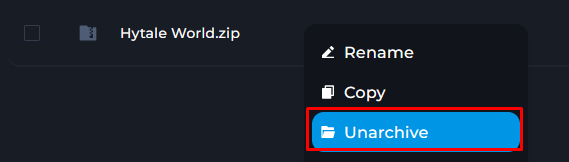
After it is uploaded, you can right click & select Unarchive.
How to Locate your Player Data
Click on Worlds.
Right Click on the world you wish to import.
Select the Open Folder Button, this will open a folder on your computer where your Hytale Saved Data is located.
Open the Universe Folder.
You will want to Right Click & Make a Zipped Archive.
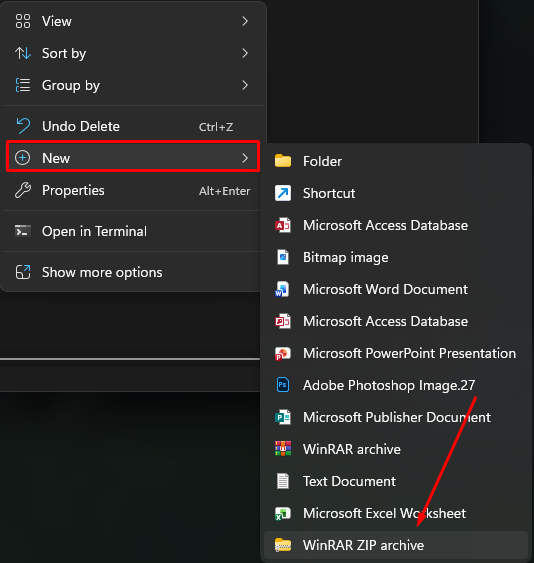
Once the Archive is made, drag & drop the players folder inside of it, then proceed with the next steps.
Uploading the Player Data Folder.
Head to the File Manager.
Navigate to the Universe Folder.
-1769969746790.png)
You can delete the folder called Players, we will be uploading our own.
You can upload your player data zip in this folder. If you see Player Data for previous players, you can simply delete them.

Once Uploaded, right click & select Unarchive.
 successThat is how you Upload your Hytale World and Player Data to a Kinetic Hosting Server