
Hytale doesn't support SRV records so you'll need a dedicated port/domain if you want to setup your own custom domain.
notice
Before linking your Domain, make sure you own a Dedicated Port. You can purchase one within the Kinetic Hosting Billing panel.
Head to your Domain Provider, we'll be using Namecheap.
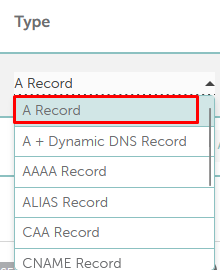
For the Type, you'll want to use an A Record
Within the Host box, you can put what you wish, in this instance, we will be using Hytale.

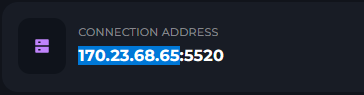
Head to the Workspace page on the Kinetic Panel & copy the first part of your Connection Address, make sure to leave out the port.
-1770488313241.png)
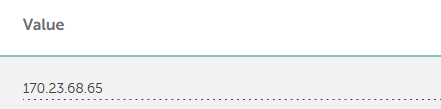
Now, put the IP Address you copied in the Value box.
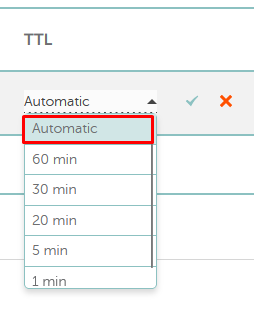
Set the TTL to auto, if you do not have auto, use the next available one.
 successThat is how you setup a domain with a Hytale Server! You can now connect using hytale.yourdomain.comwarningIn some cases, it may take up to 24 hours for the DNS to update your changes.