
Head to the Kinetic Panel & head to the Workspace tab.
-1770488313241.png)
Look for your Connection Address & copy it.

Once Copied, load up your Hytale Game and click on Servers in the Game Menu.
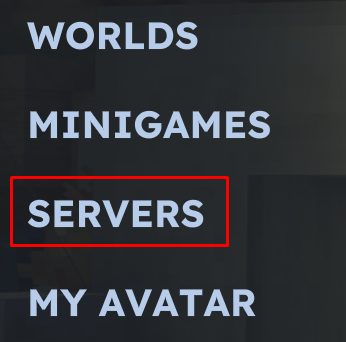
Click on Add Server.

Enter in your Connection Address in the first top box, then give your server a unique name.
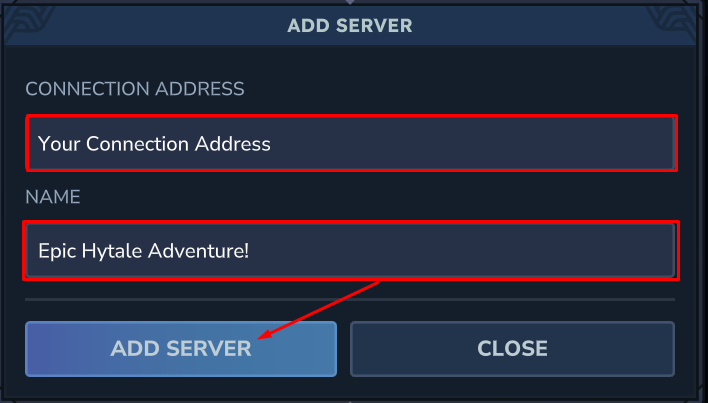
Once the server is added, simply double click on your server and you'll be joining your Kinetic Hosting Hytale Server.

Hytale guide
How to Join a Hytale Server
This guide will show you how to join a Hytale Server.