How to upload your world to the Factorio server
Last updated 05 Sept 2025
Need a game server?
Spin one up fast with our feature-rich panel and seriously low prices.
Locate your save on your pc.
For Windows, it can be found in
%appdata% > Factorio > SavesSelect the zip of your world.
Log in to the Kinetic Panel.
Turn off the server.

Navgaite to File Manager.
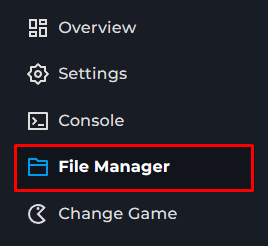
Open the saves folder.
Upload the zip into the folder.
Open the settings page.
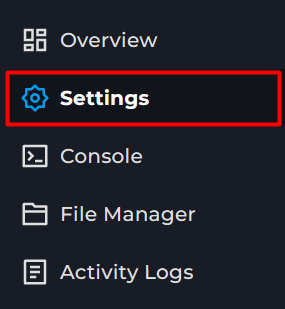
Locate the world file.
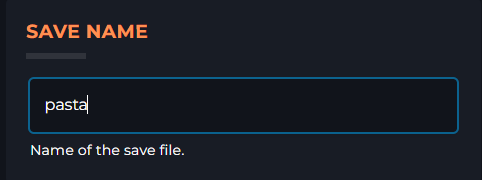
Change the 'save Name' name to the name of the uploaded zip file.
Start the server.