
In this guide
How to upload a save to your Empyrion Galactic Survival server
Login to your Kinetic Panel
Stop your server.
-1767383729764.png)
Go to File Manager.
-1770311095747.png)
In your file manager, go to the following file directory:
Saves/Games
In there, you'll see where you need to upload your world save. Of course deleting the one that's already there, to replace it with your own.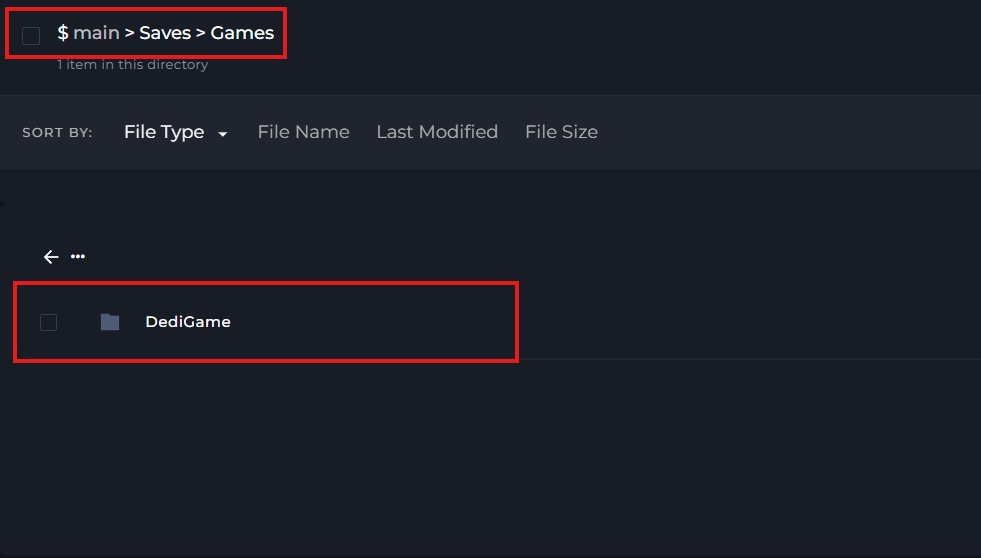
Start your server.
-1767462125511.png)