
In this guide
How to change settings on your Empyrion Galactic Survival server
Login to your Kinetic Panel
Stop your server.
-1767383729764.png)
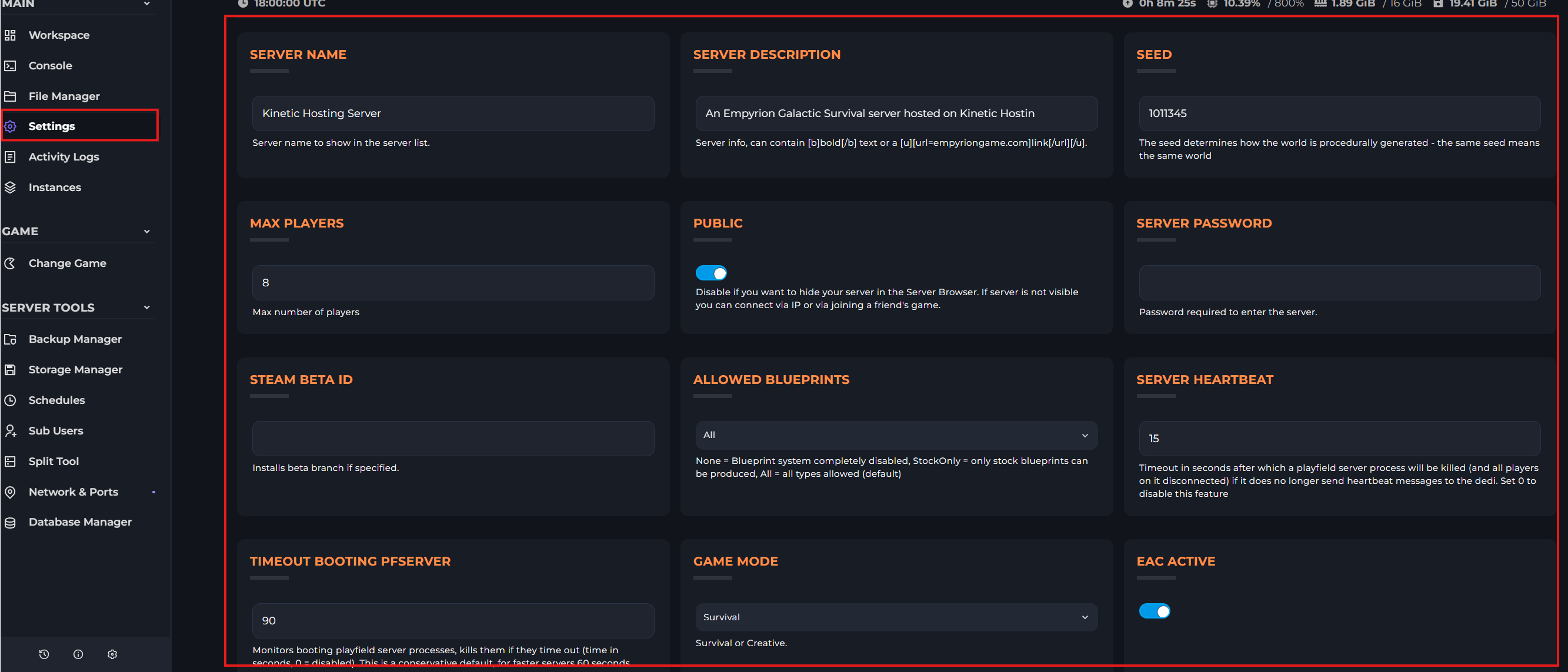
Go to settings. Here, you can see many settings that can be changed.
You can also change settings by going to your server.config.yaml file. To find this, go to file manager.
-1770311095747.png)
In the file manager, scroll down till you see the server.config.yaml file.

Once you've changed your settings, start your server.
-1767462125511.png)