How to change/set the Web port for your Eco server

Last updated 05 Jun 2025

Need a Eco server?

Spin one up fast with our feature-rich panel and seriously low prices.

  1. Log in to the Kinetic Panel & stop your server.

  2. You will need to open a new port. We already have a guide here How to open a port. Copy the port that was opened.

  3. Once that is done, navigate to your settings page
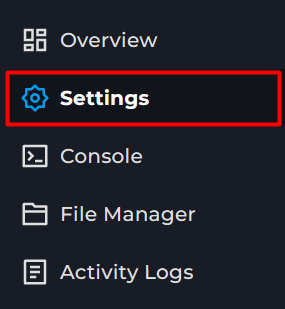
  4. Then paste it into the web server Port. This will apply next restart.

Kinetic Hosting Logo

Our goal at Kinetic is to offer genuinely helpful, human-powered support (no bots, no AI), combined with a feature-rich panel, powerful hardware, and prices that won’t break the bank.

Registered in England & Wales • Co. No. 11439987 • ICO No. ZA841955

Kinetic Hosting and the Kinetic Hosting logo are trademarks of Dapper Fox Group LTD. All other trademarks are the property of their respective owners.