Kinetic Hosting Logo
Loading…

How to add Mods to your DST Server

Sorry, we don't yet have a video for this article, but we're working on it.
  1. Locate the mod you wish to add on the Steam Workshop.

  2. Click the share button & grab the ID at the end.

  3. Open the Kinetic Panel.

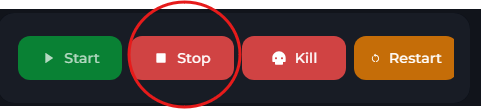
  4. Stop the server.

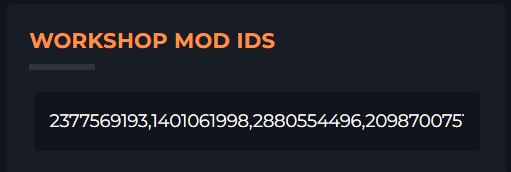
  5. Paste the mod's ID into the ID field. Each mod should be separated by a,
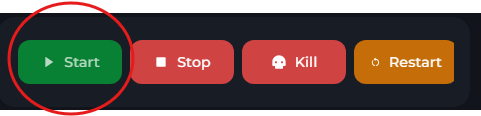
  6. Start the server. It will automatically download & add the mod.
Kinetic Hosting Logo™

Our goal at Kinetic is to offer genuinely helpful, human-powered support (no bots, no AI), combined with a feature-rich panel, powerful hardware, and prices that won’t break the bank.

Registered in England & Wales • Co. No. 11439987 • ICO No. ZA841955

Kinetic Hosting and the Kinetic Hosting logo are trademarks of Dapper Fox Group LTD. All other trademarks are the property of their respective owners.

Company
Services
Clients
Legal