
Open the Game
Click on the account button.
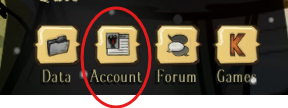
On the site, it opens a copy of the User ID.
Login to the Kinetic Panel.
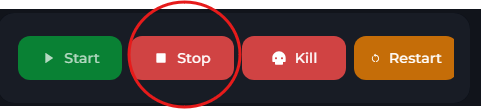
Stop the Server.
Open the file manager.

Go to DoNotStarveTogether > config > server.
Create a new file.

Paste in the id.
Save file as adminlist.txt.
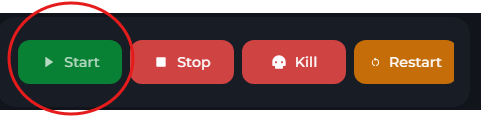
Start the server
Dont starve together guide
How to add a Admin on your DST Server
This guide will show you how to add an admin to your Don't Starve Together server.