How to add mods to your Dayz Server
Last updated 23 Aug 2025
Need a game server?
Spin one up fast with our feature-rich panel and seriously low prices.
Open workshop on Steam for Dayz.
Subscribe to the desired mod.

After the mod has downloaded, open Dayz and choose mods.
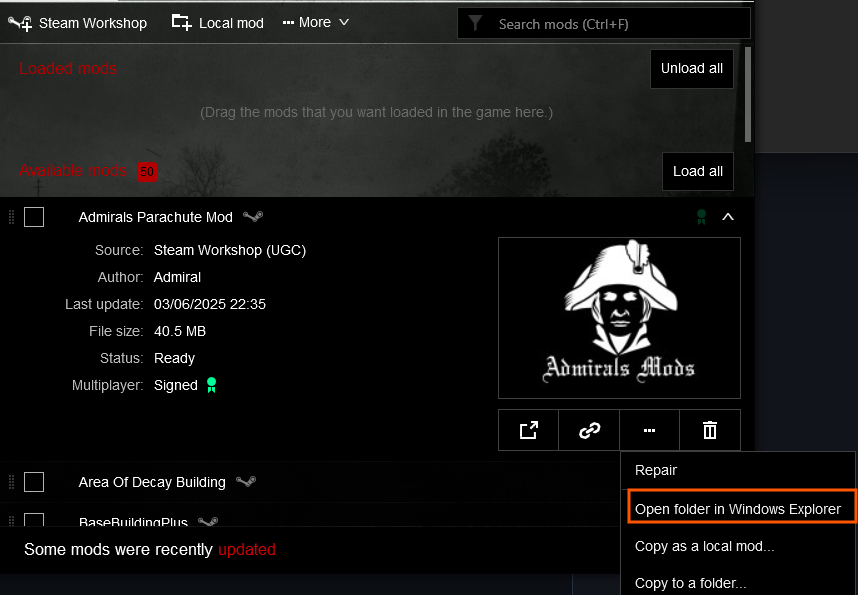
Select the mod and click Open Folder.
Create a file on your desktop.
Copy and paste these mods to that file.
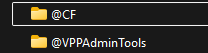
Compress these files.
Login to the Kinetic Panel
Stop the server.

Go to the File Manager on the Kinetic Panel.

Upload the zip and unarchive.
Copy the name of the file
Go to the Settings on the Kinetic Panel.
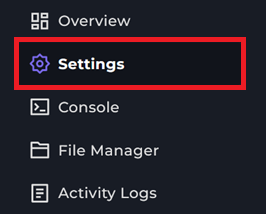
Locate the
Modsand put in the file name. Separate out mods by ;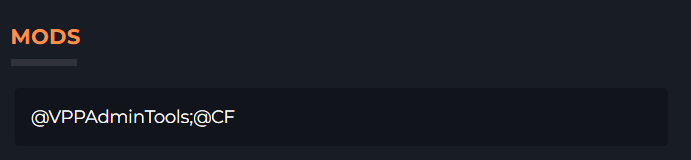
Go back to the mod folder on your computer. Open the Keys folder.
Go to the File Manager on the Kinetic Panel.
Upload the mod keys.
Start your server