
In this guide
How To Change Map On Your Counter Strike Source Server
notice
To find out how to upload modded maps, scroll further down the page.
Login to your Kinetic Panel.
Go to settings.
-1770311132720-optimized.webp)
In the settings page, you will see a settings box where you need to input the name of the first map you want to play.
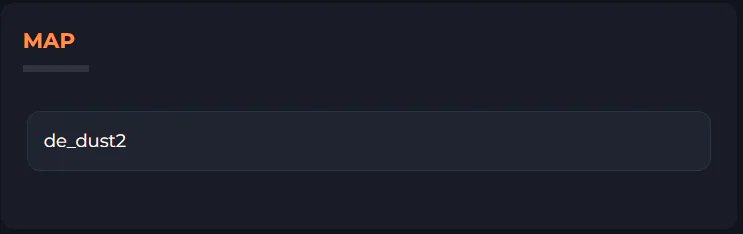
Go create a map rotation, first go to File Manager.
-1770311095747-optimized.webp)
In file manager, go to the following file directory:
cstrike > cfg > maprotation.cfg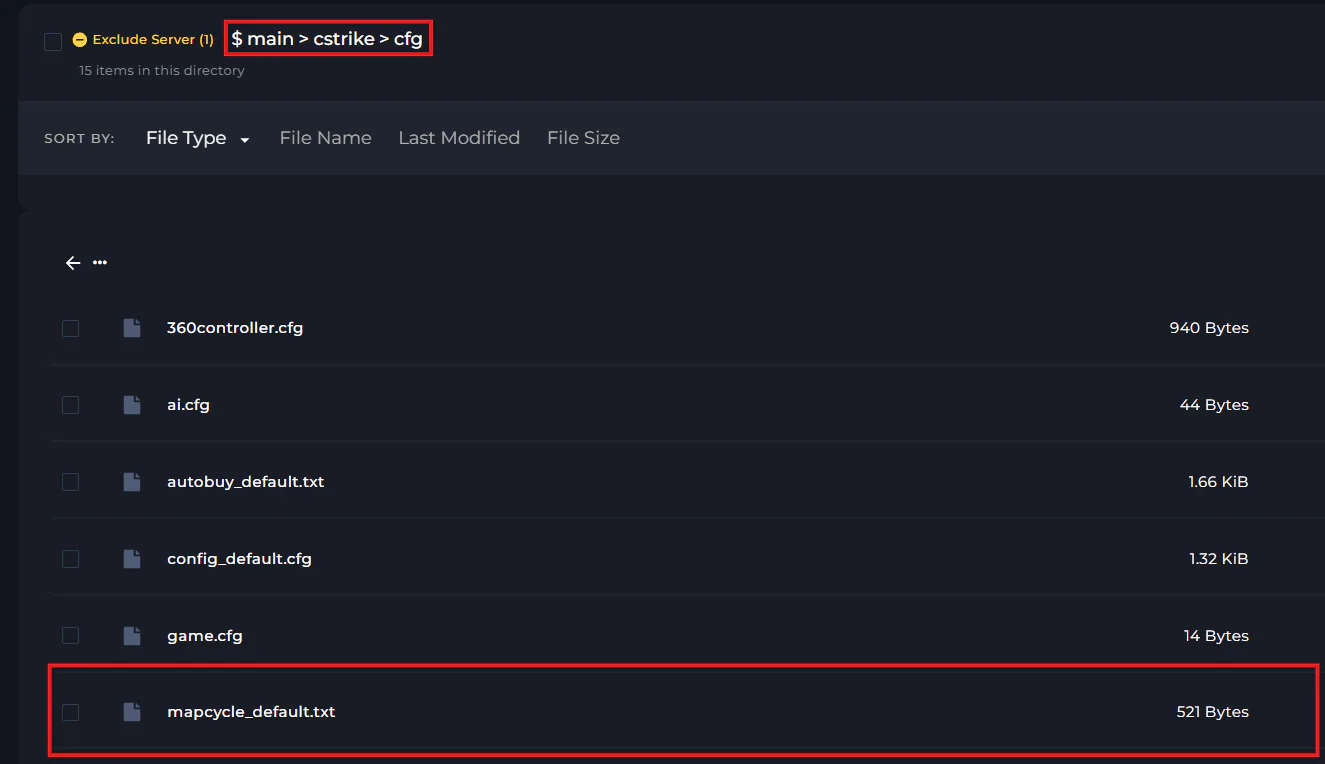
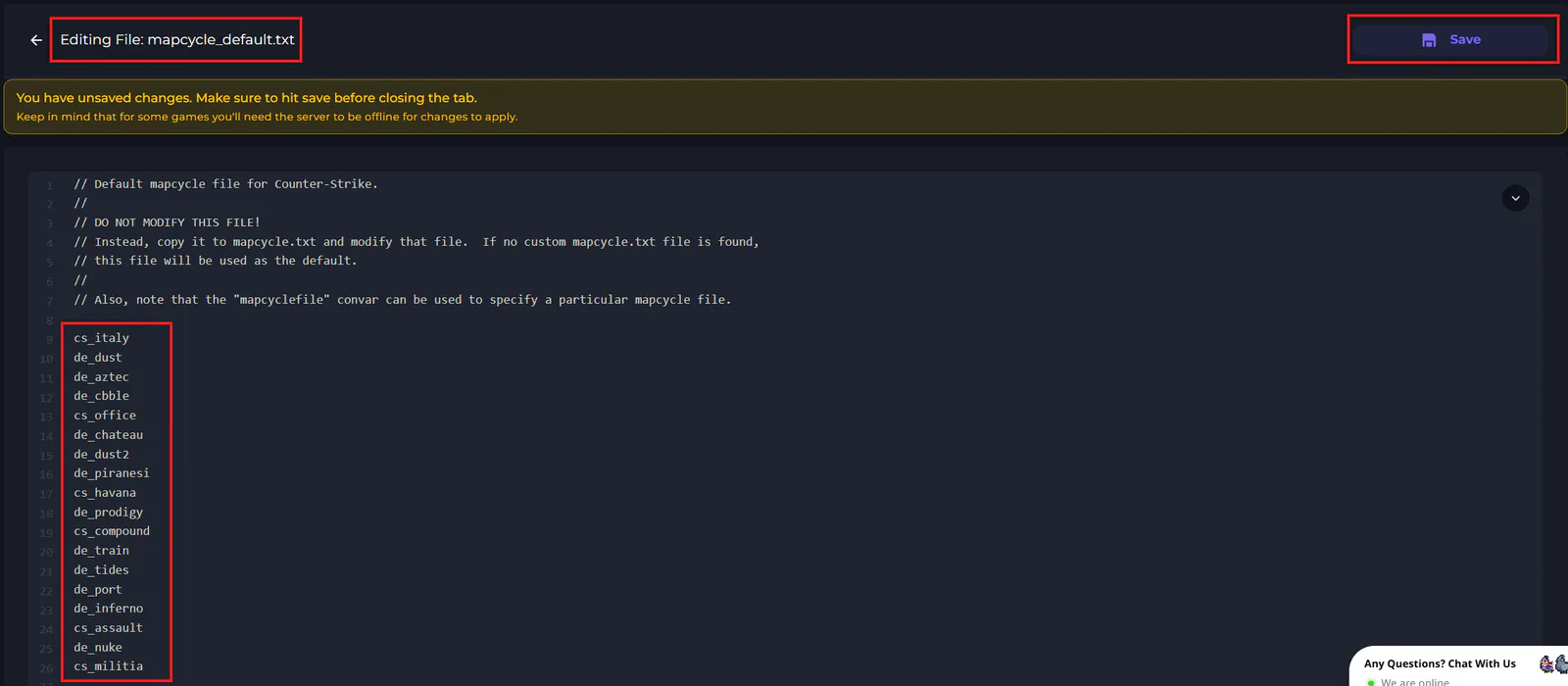
Within that file, you can input the map rotation you wish to use. Once you've finished making your changes, click save.
How to upload modded maps to your Counter Strike: Source server
Go to File Manager.
-1767384099292-optimized.webp)
Within file manager, go to your cstrike folder, then your maps folder. In this folder, you can upload your modded map(s).
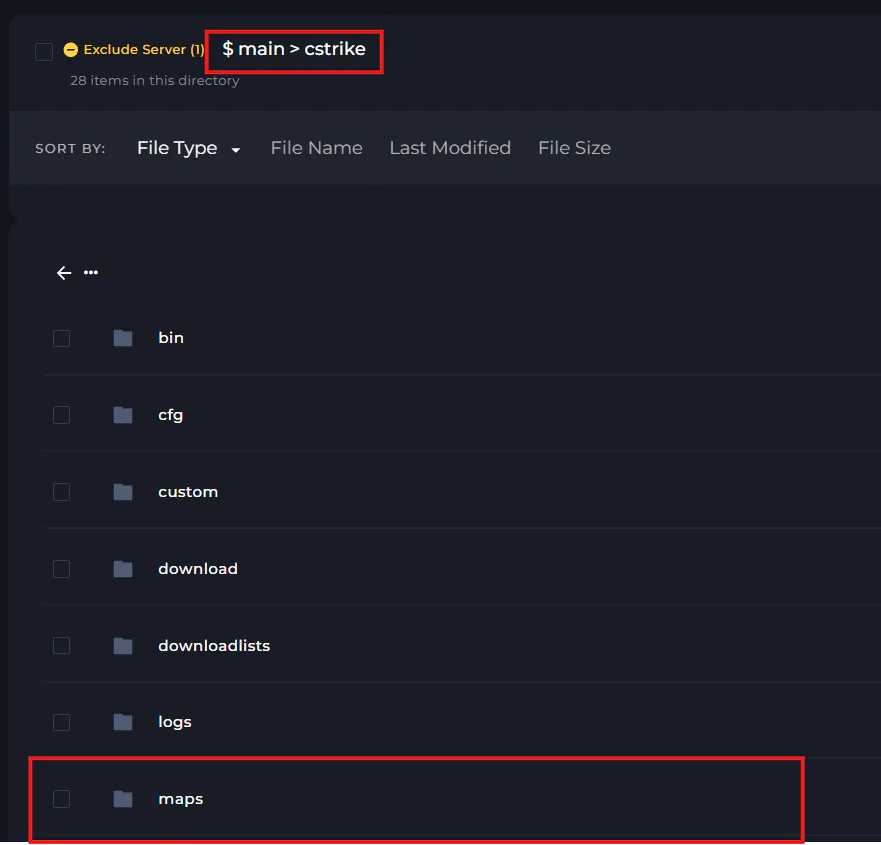
Then, to activate the modded map, either add them to your mapcycle_deafult.txt file stated earlier in this guide, or go to the settings page and input the map ID in the settings box.