How to install mods on your Conan Exiles server
Last updated 18 Aug 2025
Need a game server?
Spin one up fast with our feature-rich panel and seriously low prices.
Locating the mod ID
Open the Steam workshop for the game.
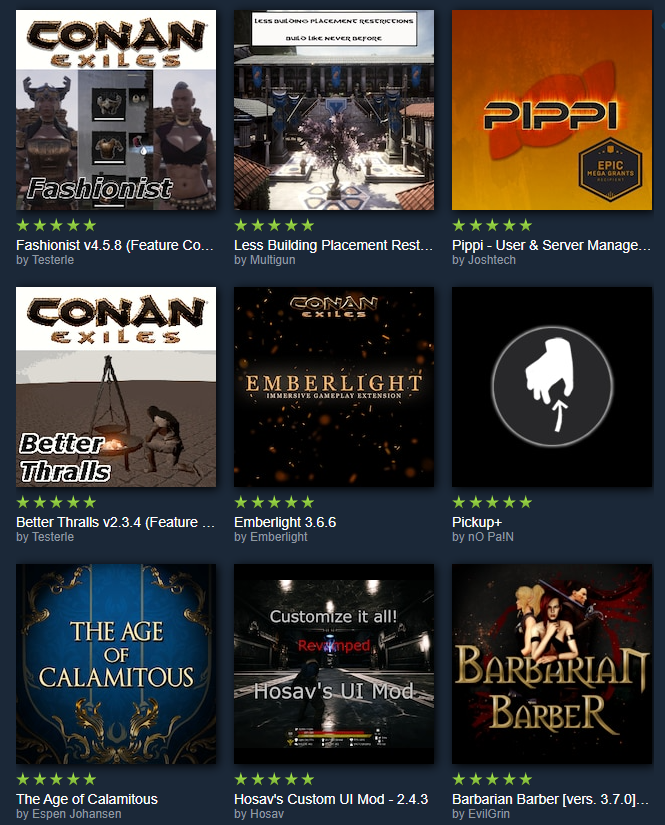
Click on an add-on you wish to add.
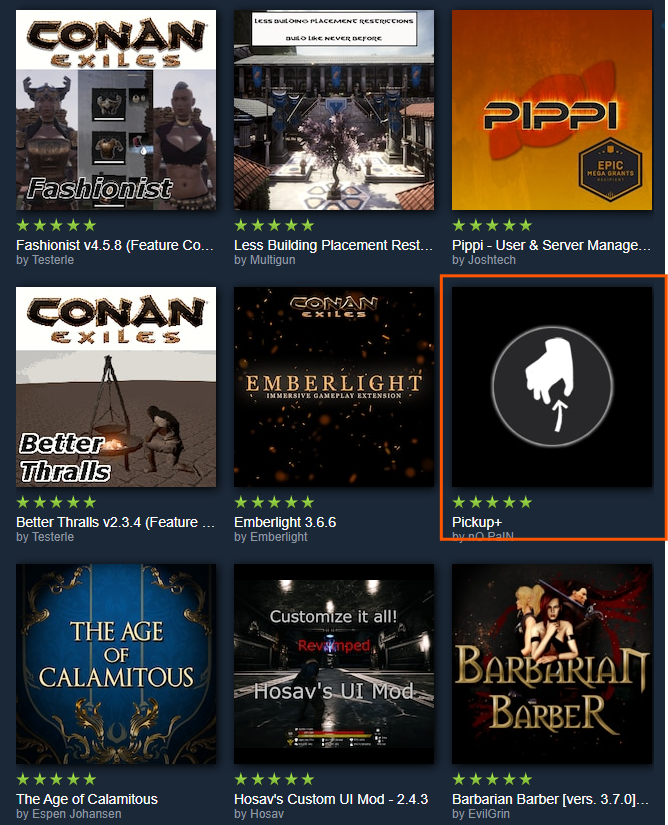
Click share.

Grab the ID at the end.

Installing it on a server
Log in to the Kinetic Panel.
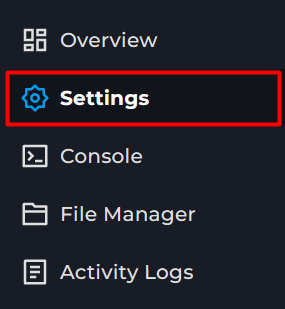
Go to settings.
Locate the mod's ID box.
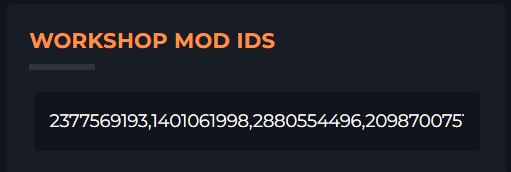
Paste in the mod ID. If using more than one separate via a comma as shown above.
Start / Restart the server.

Extra Steps for Enhanced.
Stop the server.
Open File Manager
Open ConanSandbox/Mods
Create a new file
Enter *Mod.pak
Replace Mod with the name of the mod. Add a new line for each mod.Save file, call it modlist.txt
Toggleing Auto add to Modlist
This setting, depending on the state, will auto-add downloaded mods to the modlist. You may turn this off if you wish to add mods from elsewhere.
Open the settings page.
Locate Auto Load Mods.
Toggle it on or off