How to configure your Conan Exiles Server
Last updated 17 Aug 2025
Need a game server?
Spin one up fast with our feature-rich panel and seriously low prices.
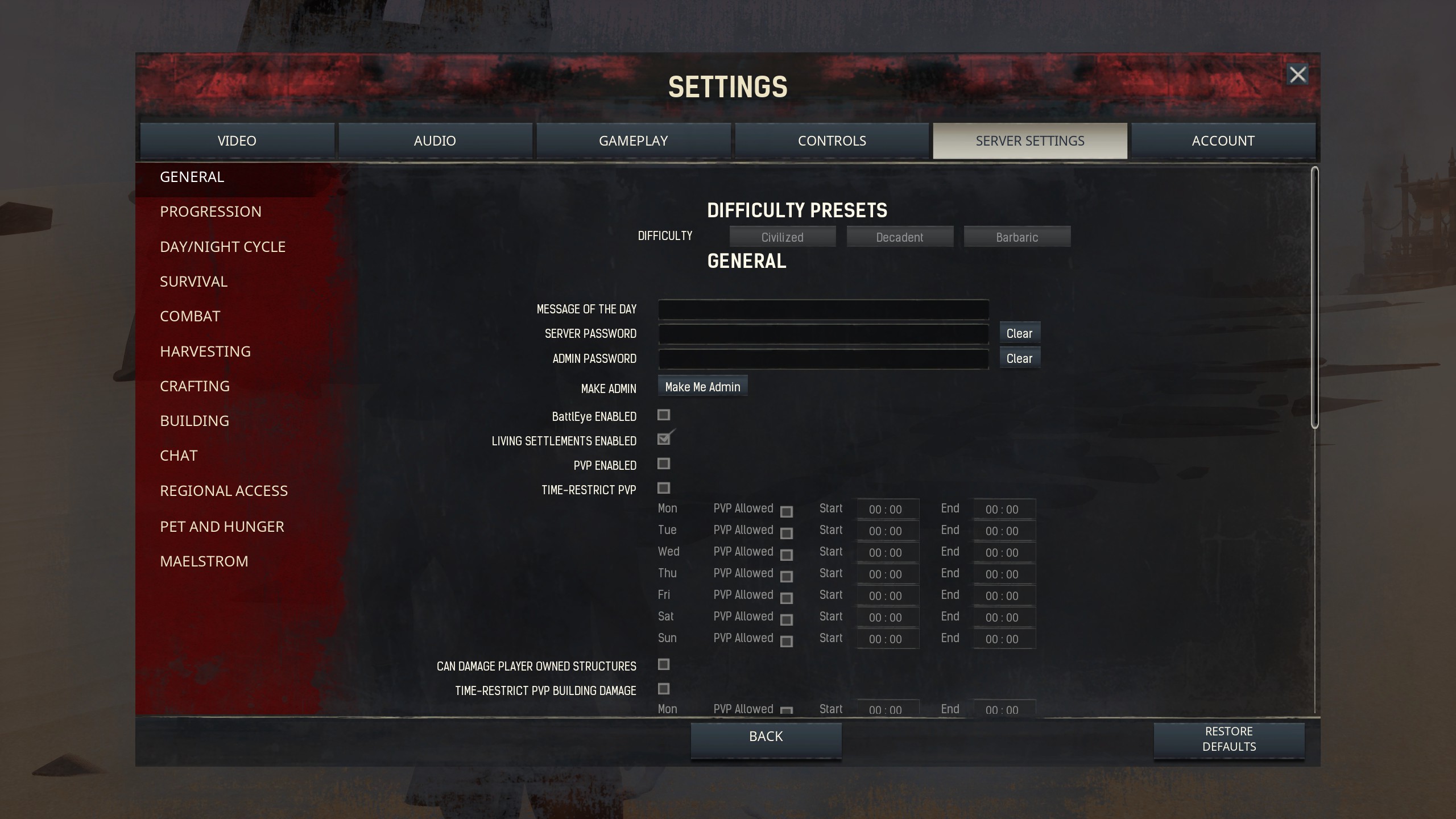
Using the in-game menu
Once you become an admin, you can use the in-game menu to adjust settings.
Changing via the panel.
Log in to the kinetic panel
Shut down the server.

Open the file manager.
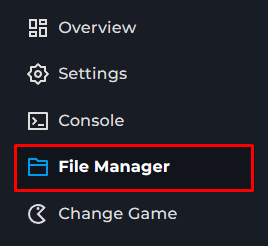
Navigate to ConanSandbox > Config > DefaultServerSettings.ini.
Adjust the desired settings. There are many options the Conan Wiki covers these well.
Save the file.

Start up the server.