
Login to the Kinetic Panel.
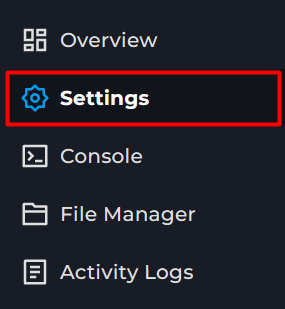
Go to settings.
In a new tab go to https://keymaster.beammp.com
Log in with Discord
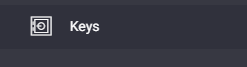
Select Keys
Click the Green +
Enter Server Name
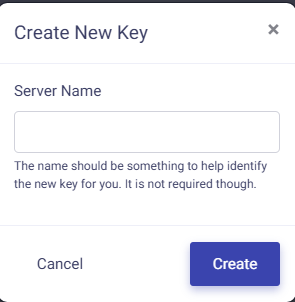
Click Create.
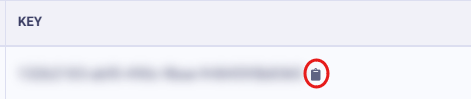
Click on the little clipboard to copy the Key.
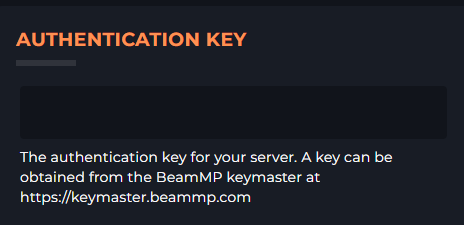
Paste this into the auth key on the panel.
Start the server
BeamMp guide
How to create a Auth key for your BeamMp Server
This guide will cover adding an Auth Key to your BeamMP server. This is required for the server to start.