
Login to Kinetic Panel.
Stop the server.

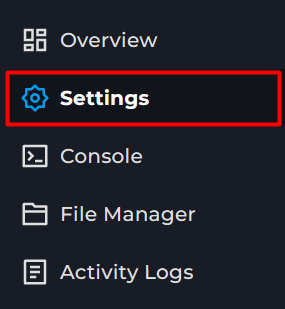
Open Settings.
Find the map box.
Default options/levels/gridmap_v2/info.json
/levels/automation_test_track/info.json
/levels/east_coast_usa/info.json
/levels/hirochi_raceway/info.json
/levels/italy/info.json
/levels/jungle_rock_island/info.json
/levels/industrial/info.json
/levels/small_island/info.json
/levels/smallgrid/info.json
/levels/utah/info.json
/levels/west_coast_usa/info.json
/levels/driver_training/info.json
/levels/derby/info.jsonChoose one of the listed or a modded one.
Levels are located in the levels folder.
BeamMp guide
How to change your BeamMp Server Map
This guide will cover changing the map for your Beammp Server. Allowing you to choose from a wide range of maps that are in the game, or add custom ones.