
In this guide
Locating the Galaxy
On your Pc open the Run menu (Can be found by searching run)
Enter %appdata%\Avorion\galaxies
Uploading the Galaxy.
Log in to the Kinetic Panel
Stop the server.

Go to File Manager.

Open the galaxy folder.

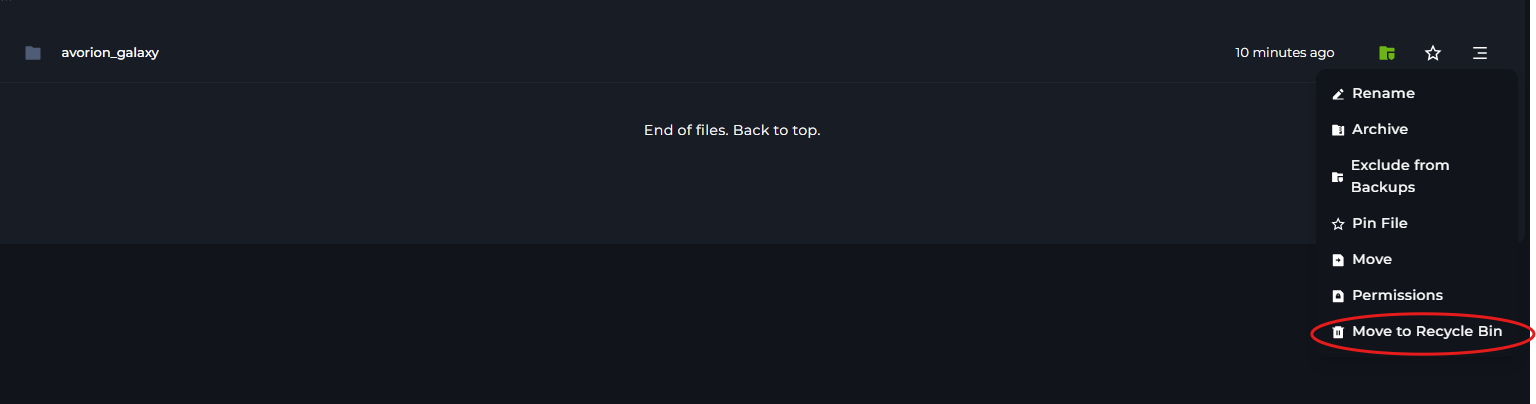
Click on the avorion_galaxy & Delete.
Drag the Galaxy file onto the panel.
Rename it to avorion_galaxy
Start the server.
